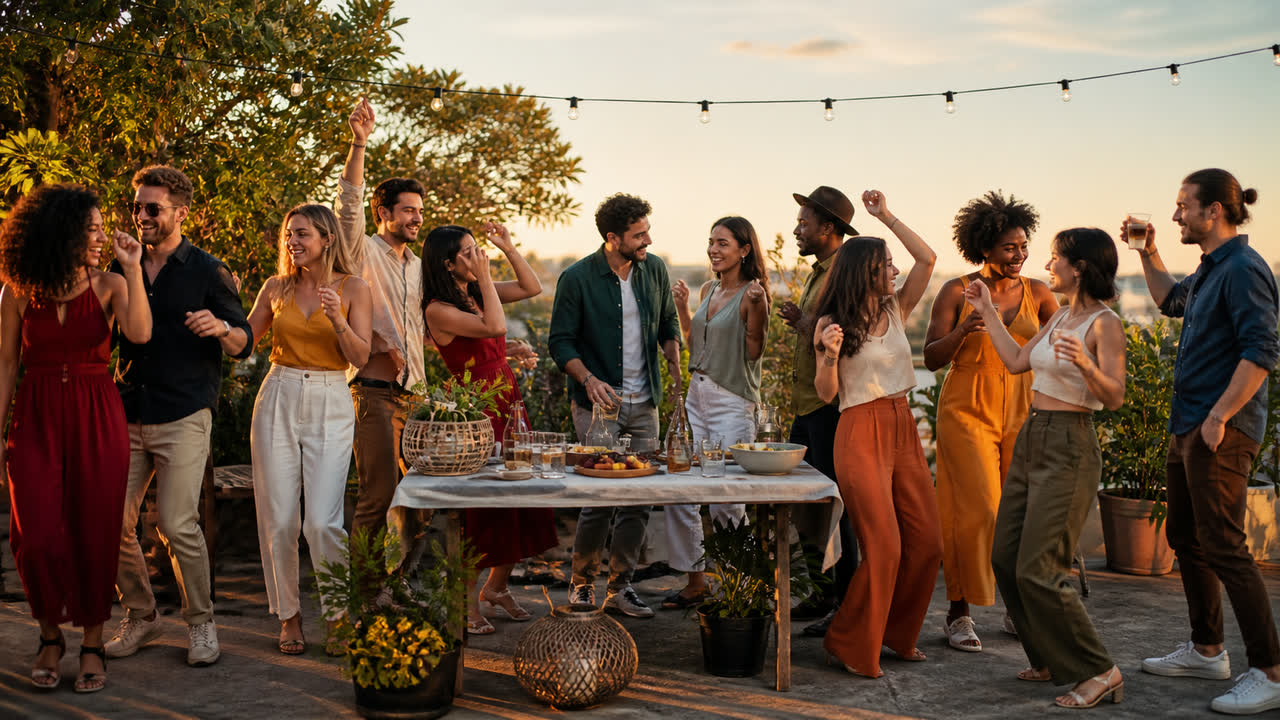
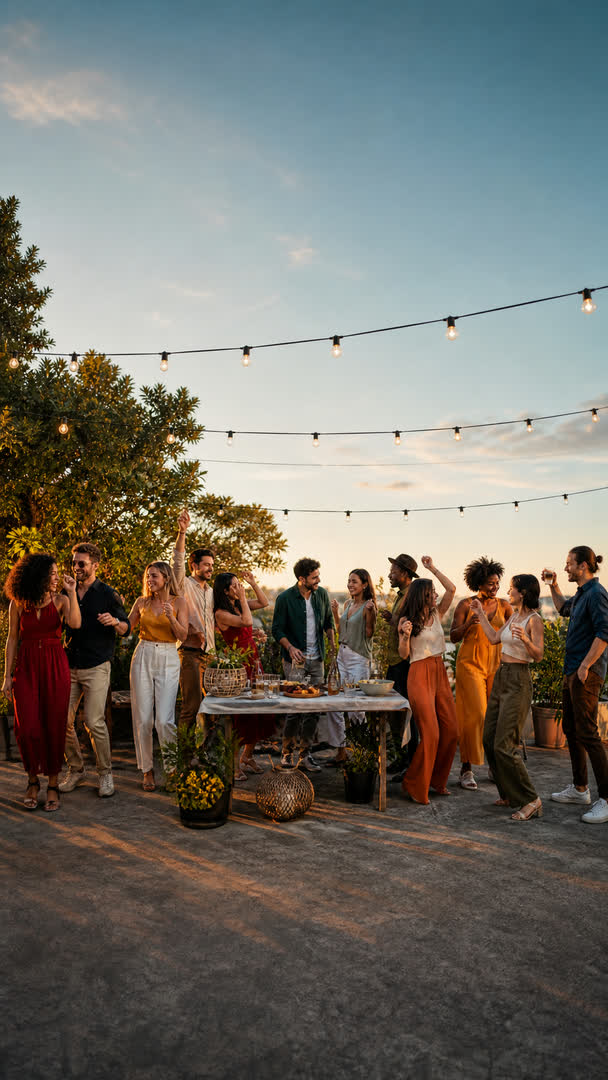
Fit every platform.
Keep the whole scene.
Turn product ads, property tours, brand films and live moments into versions for every platform, without cropping out the product, the people or the action.
Made for the shots you can't crop
Use AI Expand when the whole scene matters: the product and its set, the full room in a property tour, the action in a live show, or everyone in a group shot.
It rebuilds the scene for the format you need, with no black bars and no blurred bars.
- Product and promotional adsKeep the product whole and the set in view.
- Property tours and brand filmsKeep the room, the movement and the composition.
- Live shows and group scenesKeep the action and the people together.
- UGC and wide-shot videoTurn vertical into landscape, or landscape into vertical, without cutting off the subject.
How to use AI Expand
Step 01
Upload
MP4, MOV or WebM, up to 3 minutes and 500 MB. The upload starts the moment you pick the file, while you are still choosing the format.
Step 02
Expand
9:16 for TikTok, Shorts and Reels, 16:9 for YouTube, 1:1 for feed, plus 4:3, 3:4 and 21:9. Resolution follows your source. Auto picks the model by default, or choose Hailuo 3 or Seedance 2.0.
Step 03
Download
Renders run on our servers, so you can close the tab. Long clips are split into segments that render in parallel, and your own audio is muxed back on before the result lands in your gallery.
Crop vs expand
A crop removes. Expand adds.
Use crop when the shot still works inside a smaller frame. Use AI Expand when the product, the room, the action or the people around it are part of the story.