Cut the bad takes, filler words and long pauses.
Upload a raw recording. Review every suggested cut, keep what you want, and export the clean video.
How to use Auto Clean
Step 1
Upload your recording
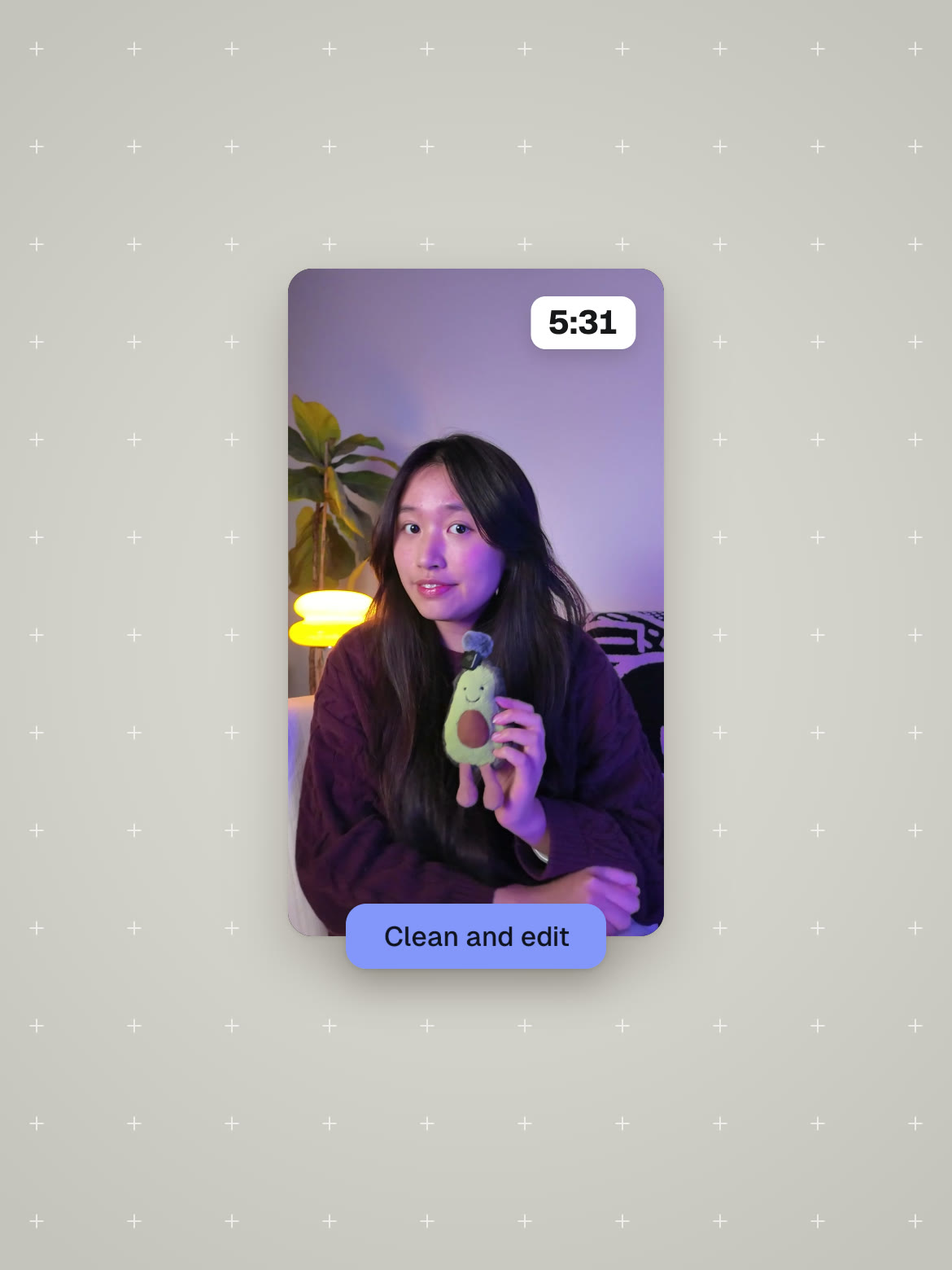
Drop in a raw video up to 30 minutes long. You see the cost in credits before it starts.
Step 2
Review the suggested cuts
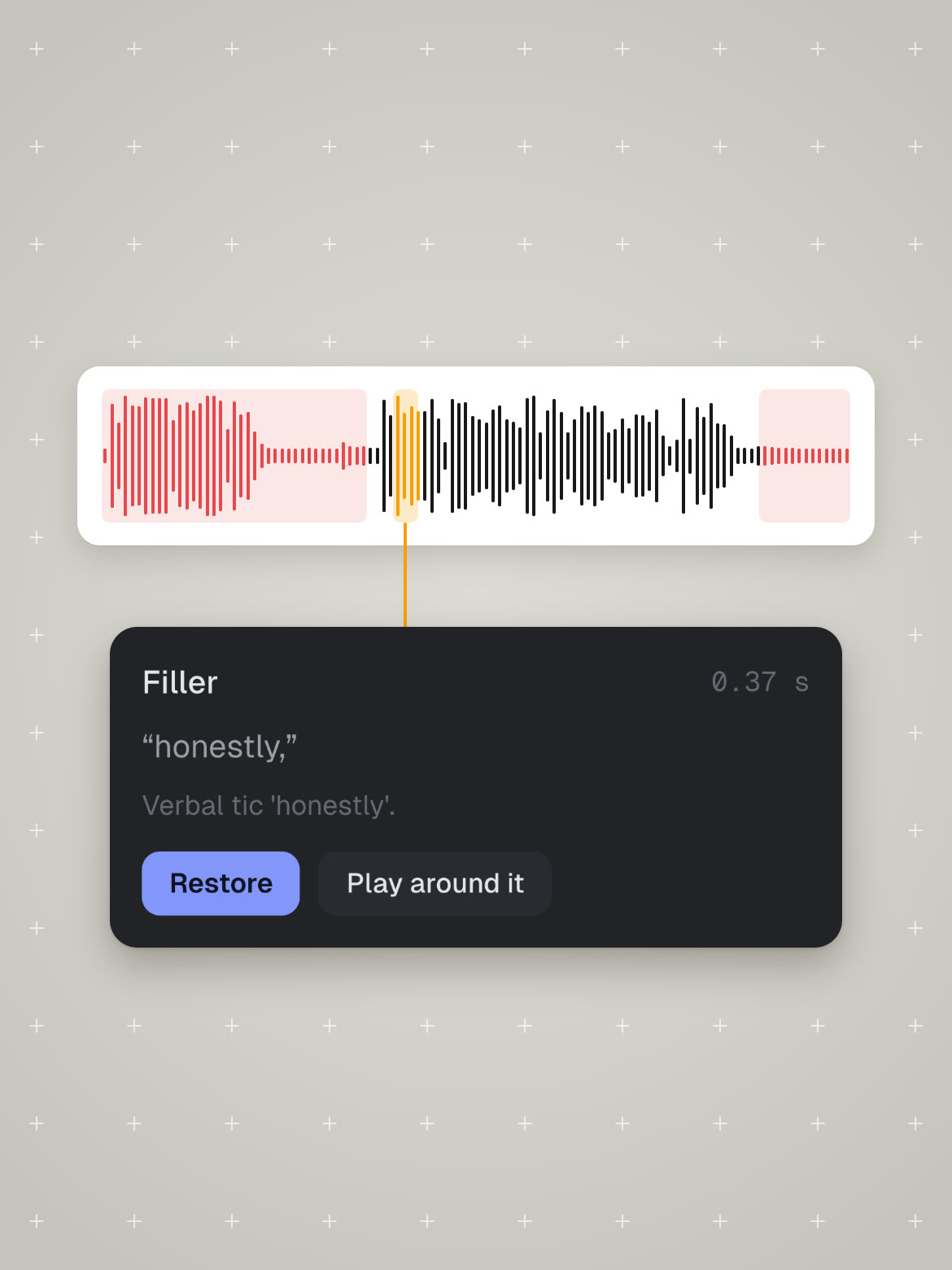
Bad takes, filler words and long pauses are marked. Restore anything you want to keep.
Step 3
Export the clean video

One click renders the edit you reviewed and downloads it.