Turn your streams into short clips while you’re still live.
Publish the best moment while your chat is still talking about it.
How to use Live Clipping
Step 1
Paste your live link
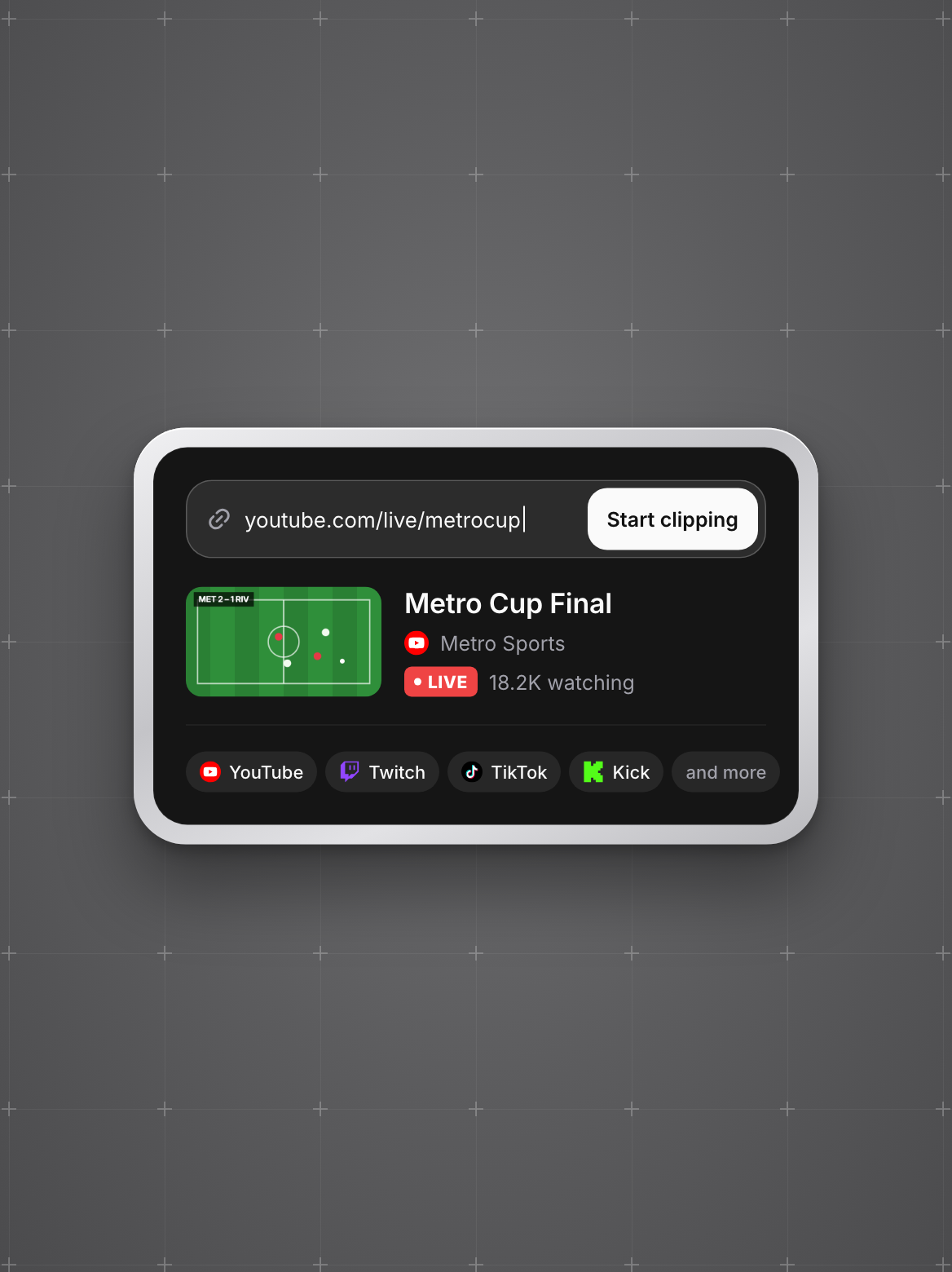
YouTube, Twitch, TikTok, Kick and more. We check that you’re live before anything starts.
Step 2
Pick how often you get clips
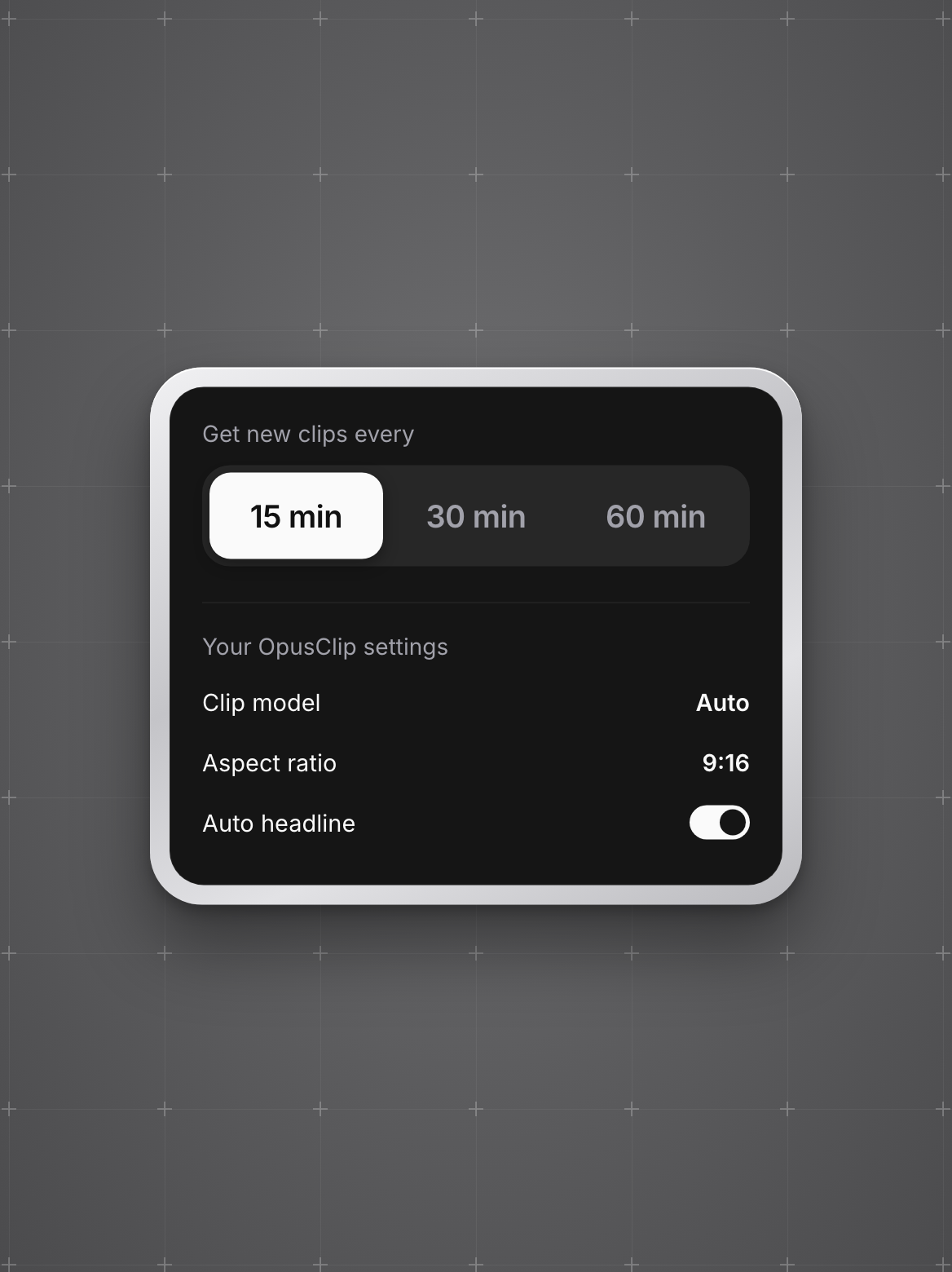
Every 15, 30 or 60 minutes. Your usual OpusClip settings can carry over.
Step 3
Post while it’s trending
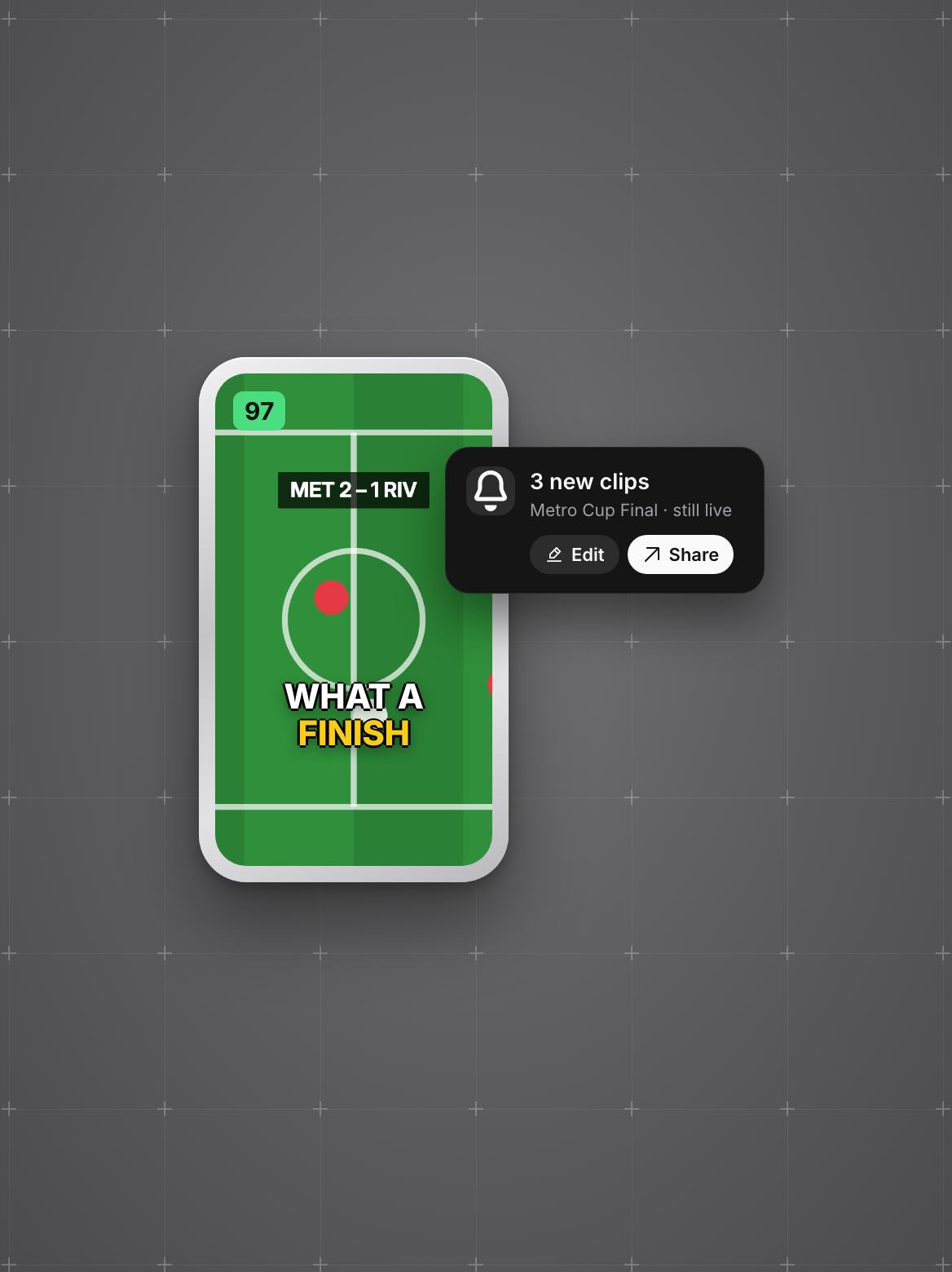
New clips appear in your OpusClip projects while you’re still live, ready to edit and share.