Motion graphics in 1 prompt.
Type your idea. Get a finished video back, with sound. No editing software, no motion designer.
How to use Motion Studio
Step 1
Describe your idea
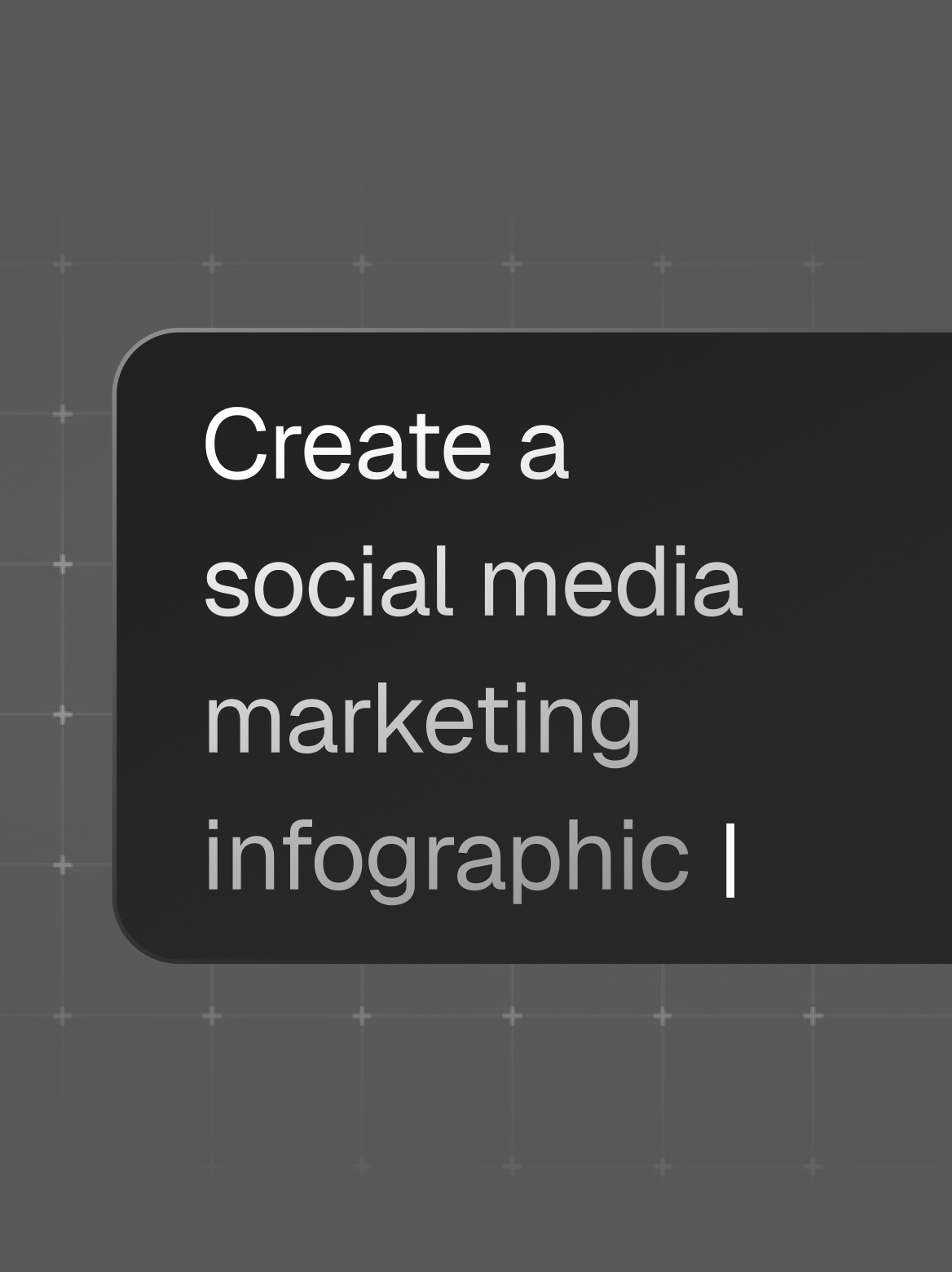
Type your idea or choose an existing template. Add a logo, product shot, audio, or video clip if you have one.
Step 2
Preview it for free
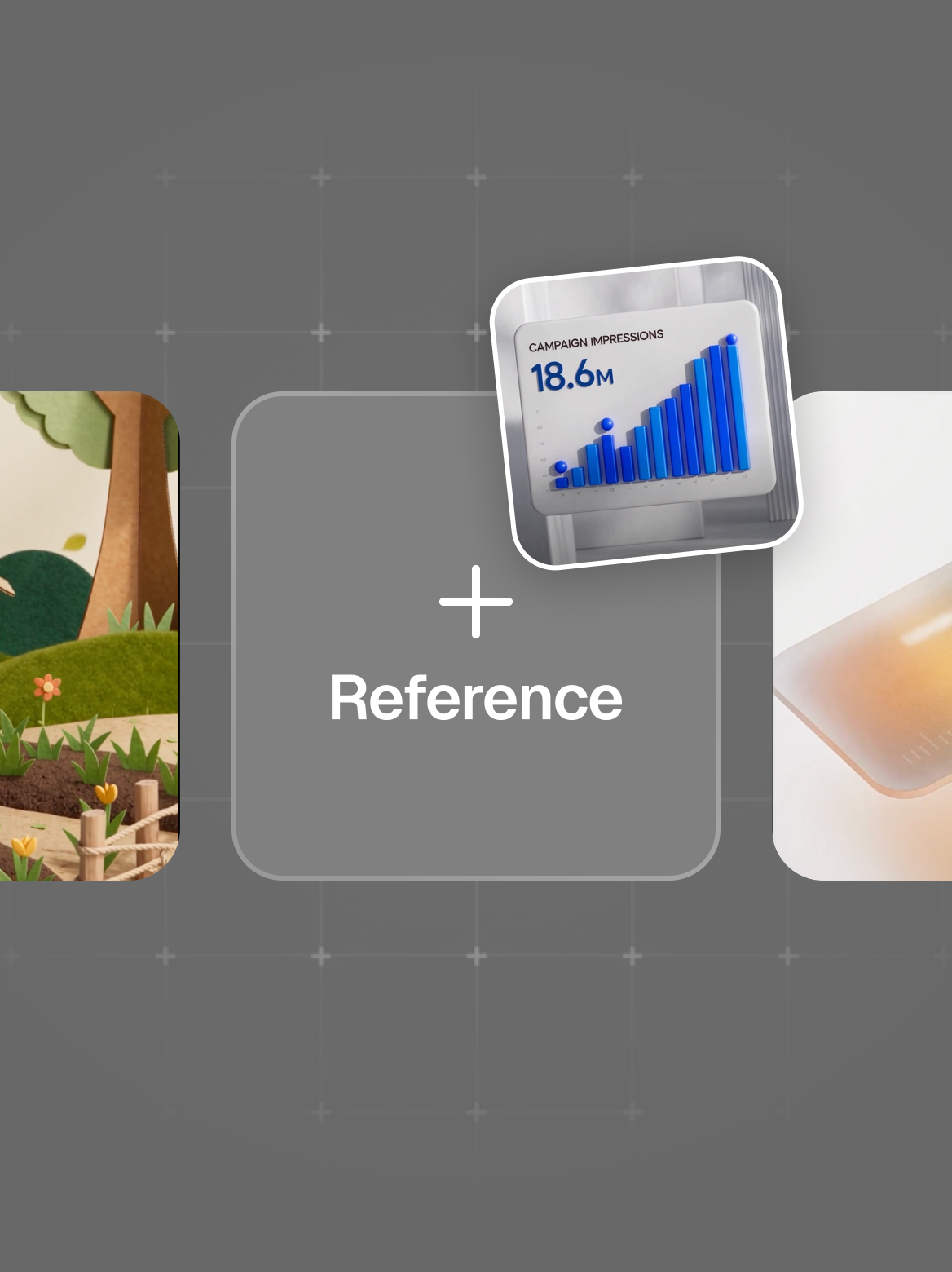
View your video plan before anything renders. You'll know the exact cost of creating your video upfront.
Step 3
Approve and download
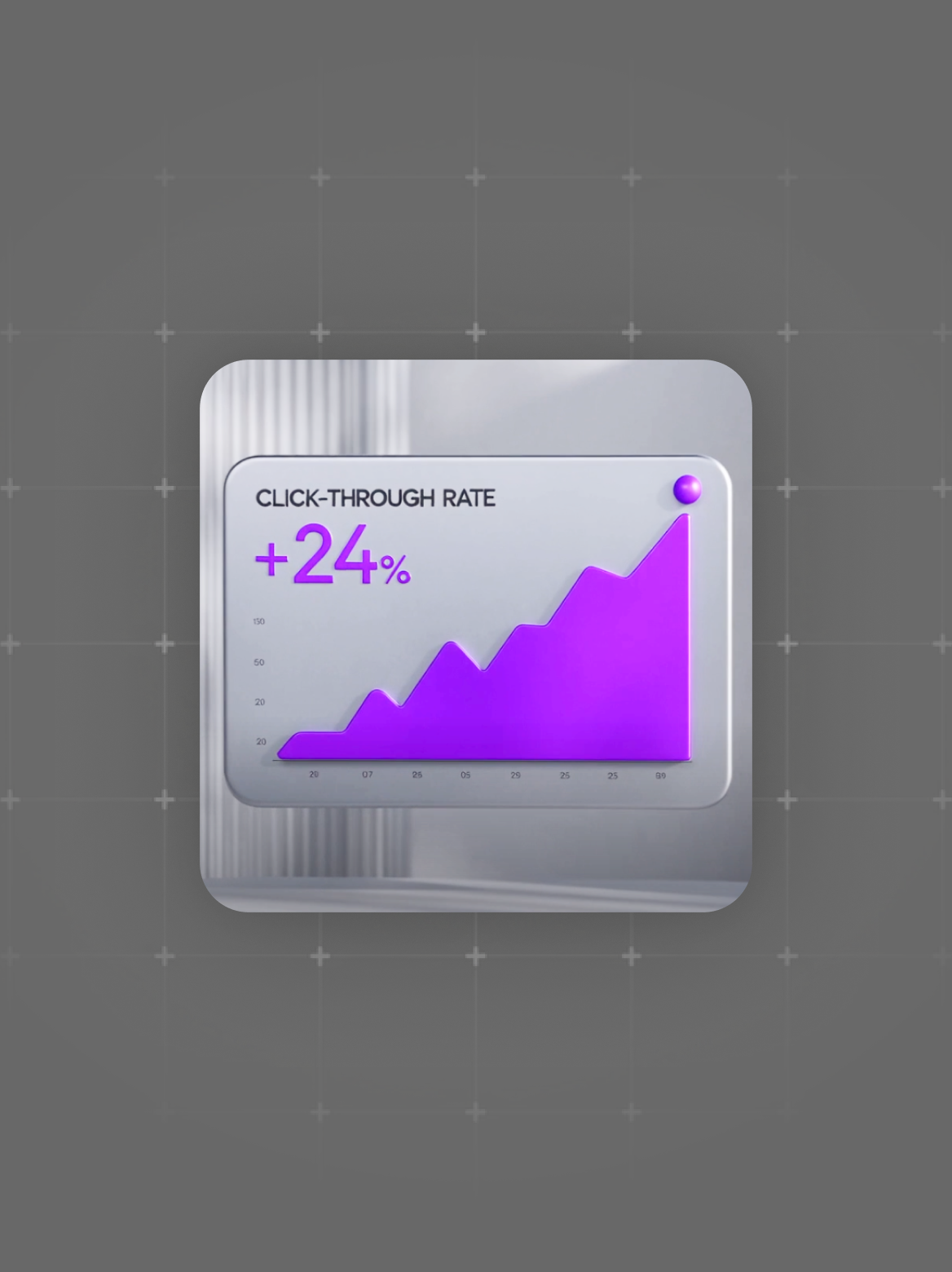
The finished clip lands in your projects, ready to download.
Need detailed steps or troubleshooting?Read the Motion Studio help guide
Start with a template
Each one's a real video. Open it, swap in your idea, and make it your own.
Showing 41 of 41 templates