Create ads from
images or ideas.
Start with a product photo or a written idea. Make ads, posters and product visuals, with the credit price shown before you generate.
From idea to finished image
Start with your own images or describe the ad you want. Set the scene, background and copy, then choose the aspect ratio and number of images.
Review the credit price before you generate. Open your project to download the results, and find previous work in Projects.
- Product launchesTurn a product photo or idea into a launch concept.
- Social adsCreate image concepts for paid and organic posts.
- Product page visualsMake product images for pages and storefronts.
How to use Product Ad Studio
Step 1
Choose a direction
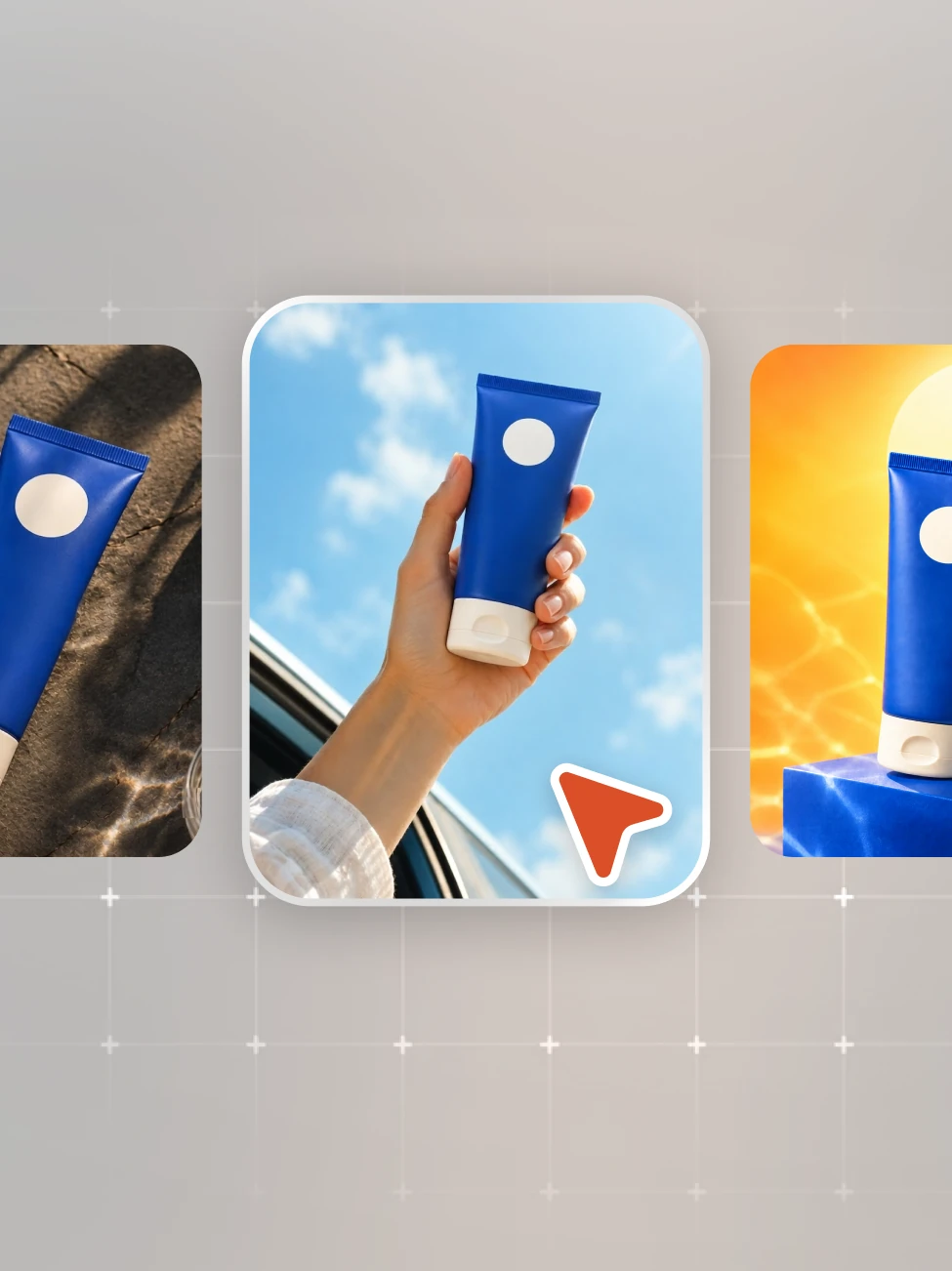
Start with a product photo or a written idea, then decide the look you want.
Step 2
Add your inputs
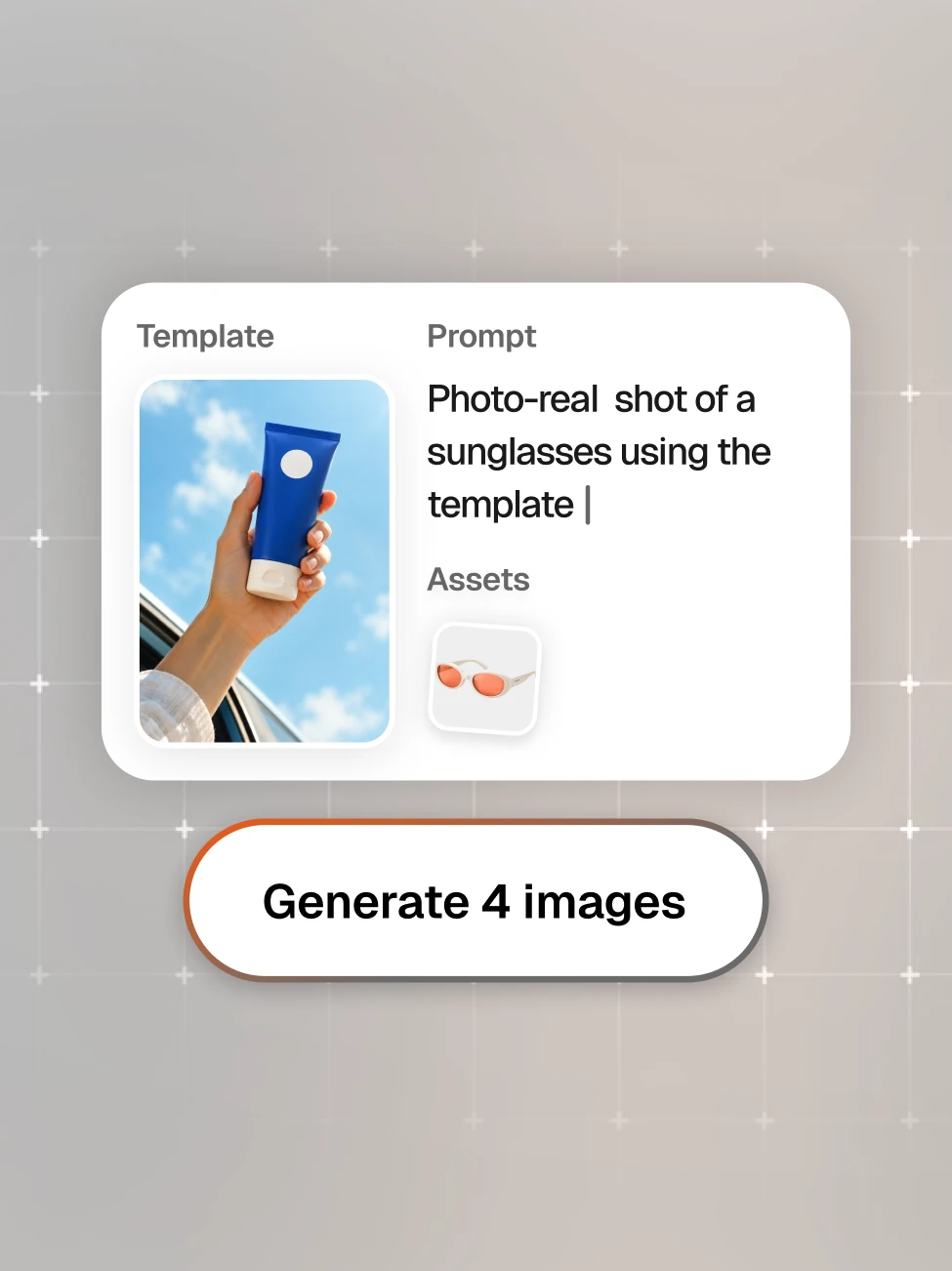
Add product or reference images if you have them. Describe the scene, background and copy.
Step 3
Generate and review
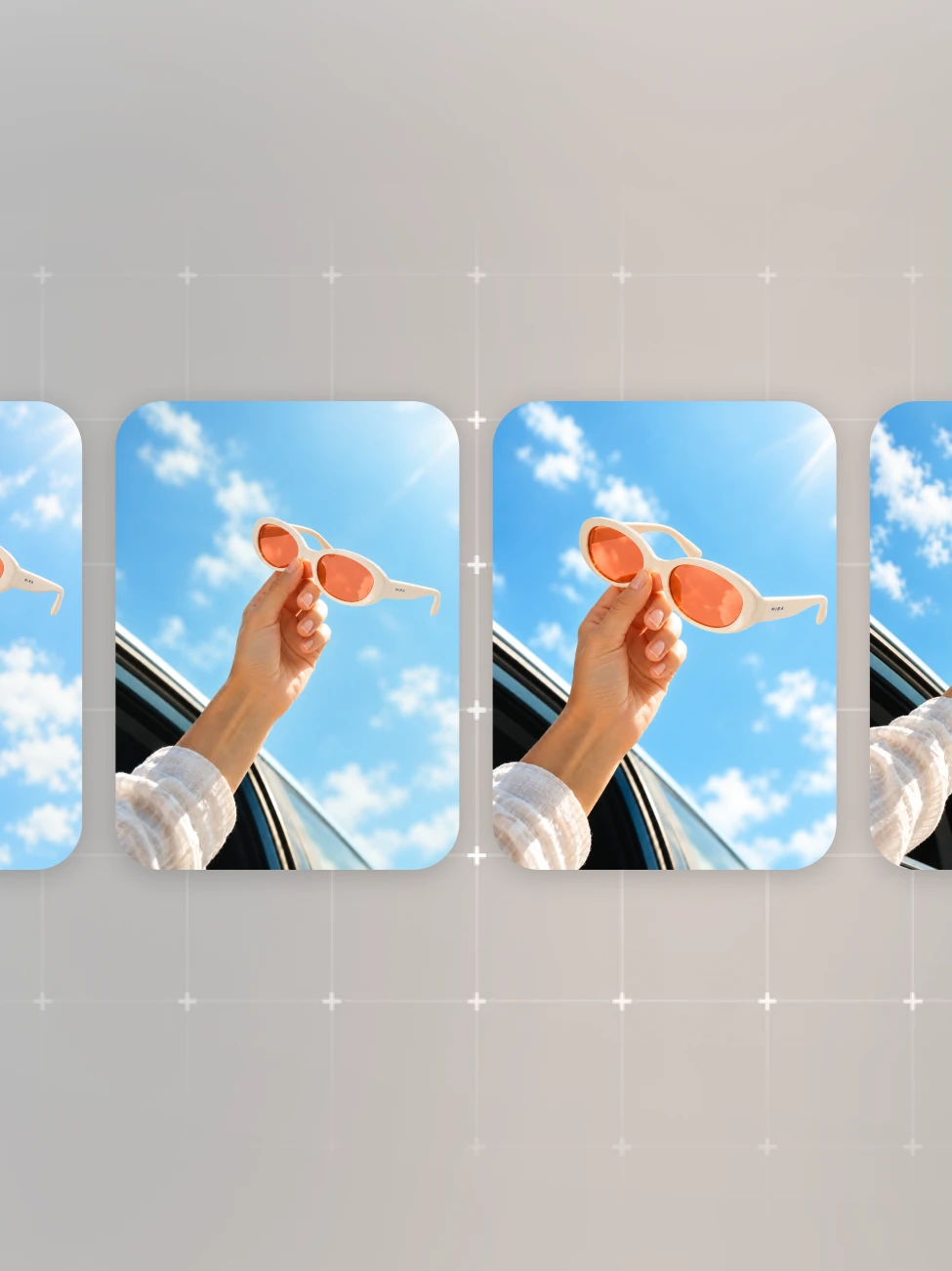
Choose the image count, review the credit price, then generate and download from Projects.
Explore templates
Choose a published template and open it in Product Ad Studio.
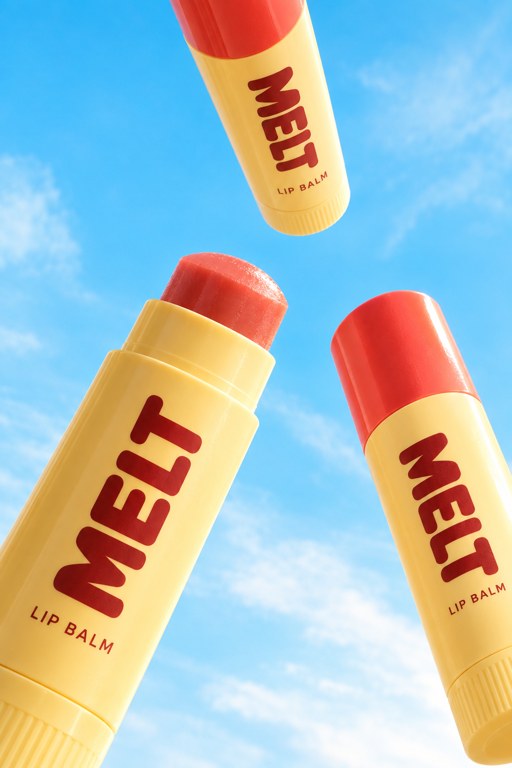 Use template
Sky PopProduct Shots 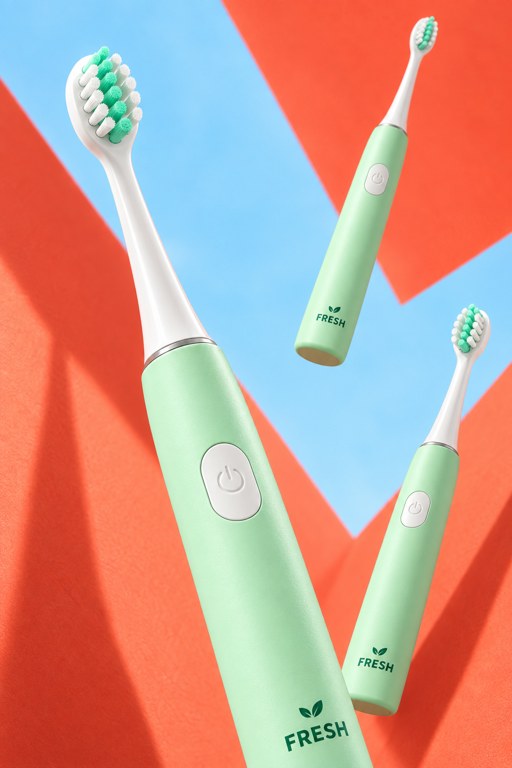 Use template
Fresh FormationProduct Shots  Use template
Lilac SunbeamProduct Shots 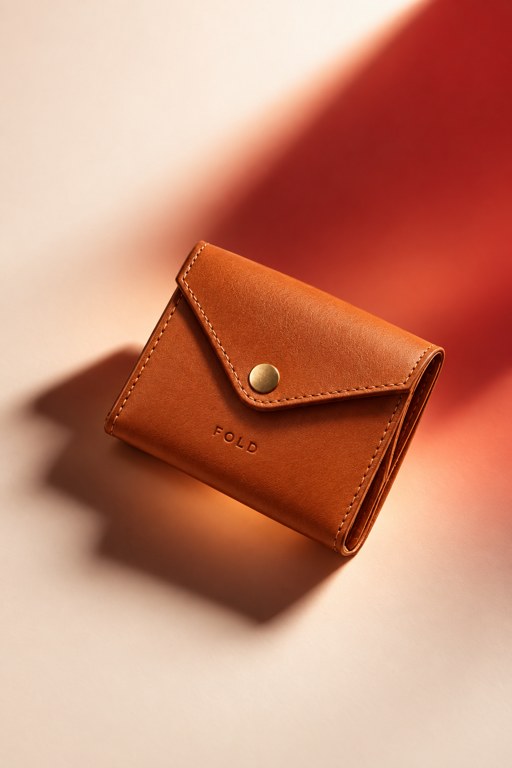 Use template
Warm SunbeamProduct Shots 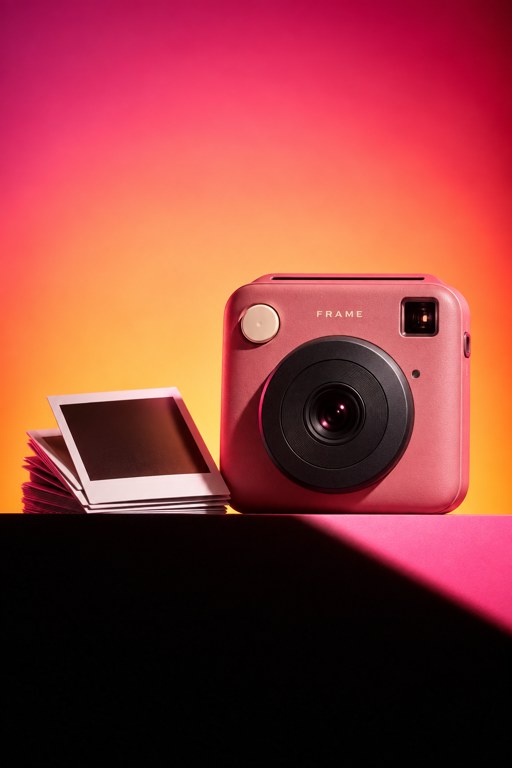 Use template
Sunset StageProduct Shots 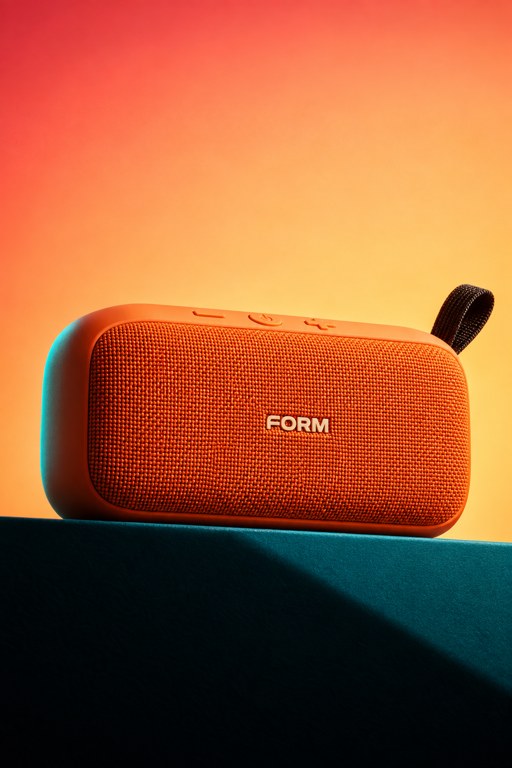 Use template
Electric StageProduct Shots 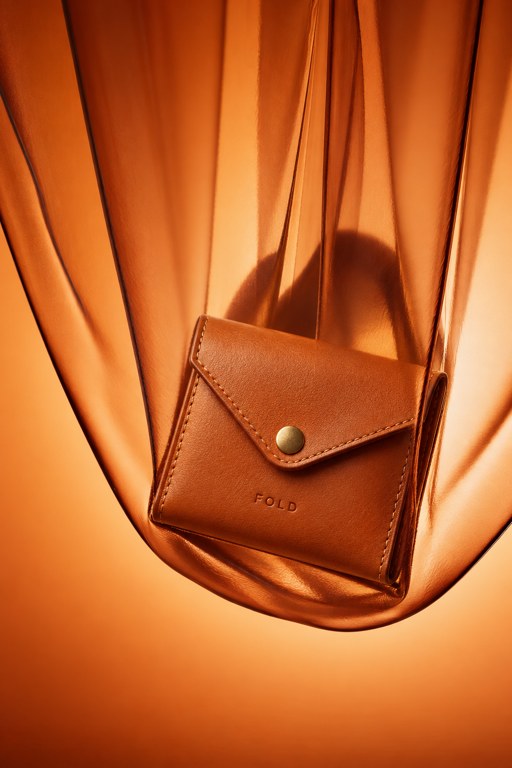 Use template
Amber SilkProduct Shots 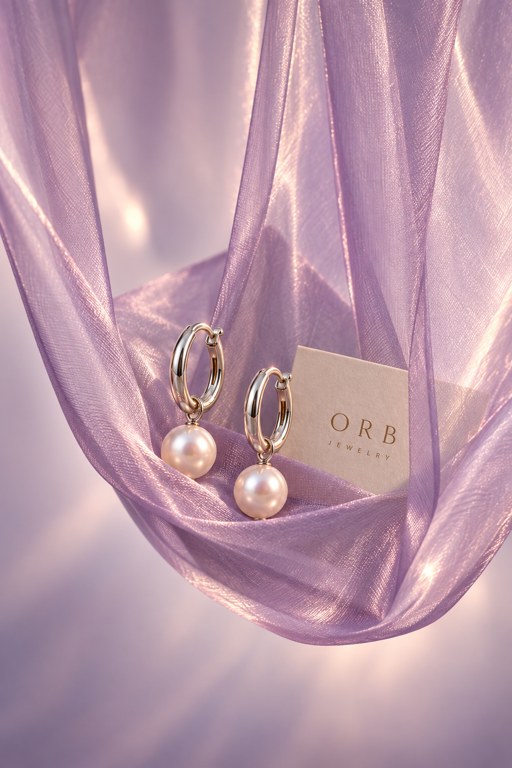 Use template
Lilac SilkProduct Shots  Use template
Shadow StoryAds 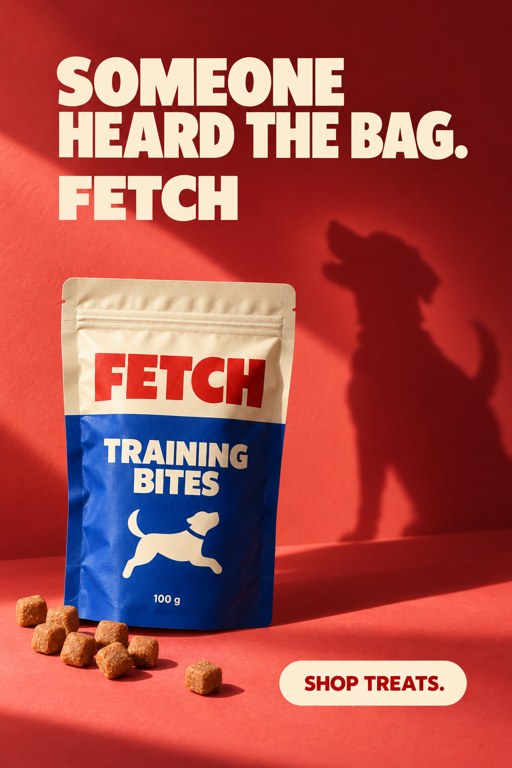 Use template
Playful SilhouetteAds  Use template
Wide Angle GetawayProduct Shots 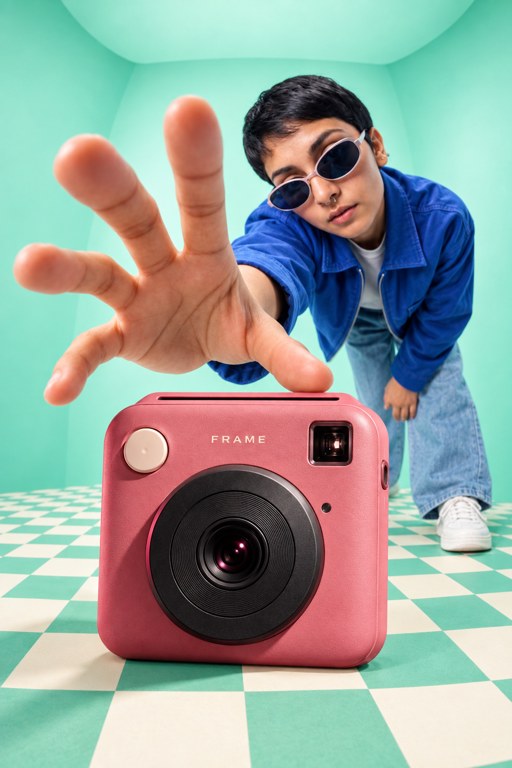 Use template
Wide Angle ReachProduct Shots 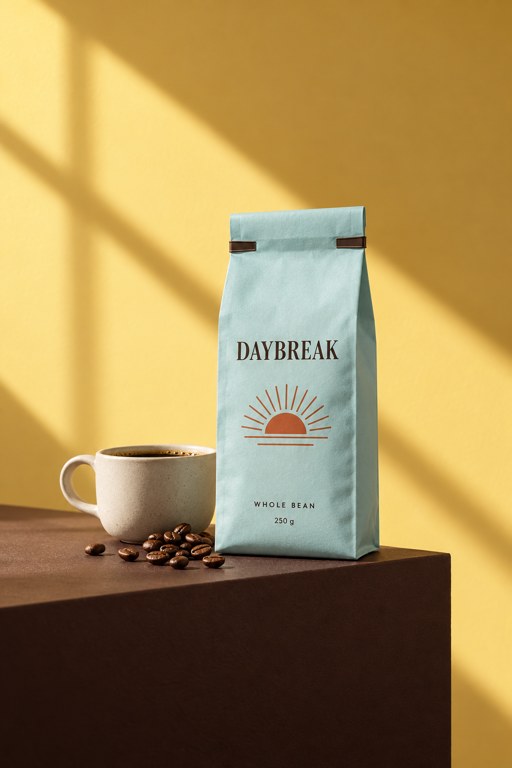 Use template
Morning LedgeProduct Shots 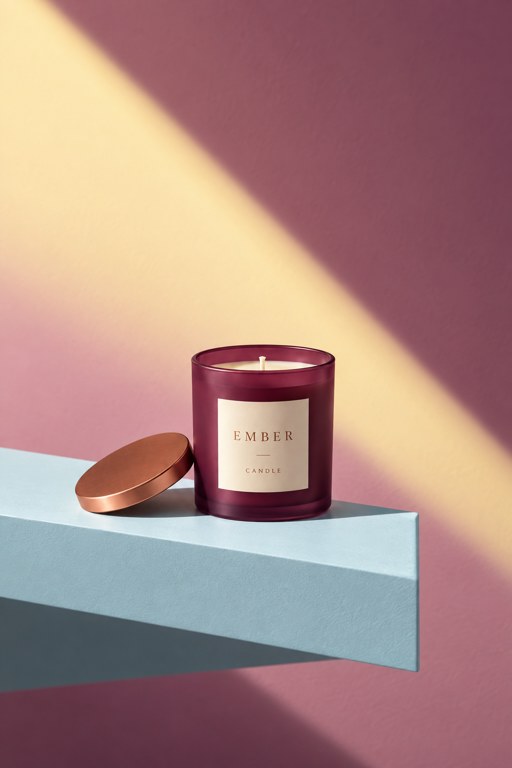 Use template
Quiet LedgeProduct Shots  Use template
AirborneProduct Shots  Use template
Color FlightProduct Shots 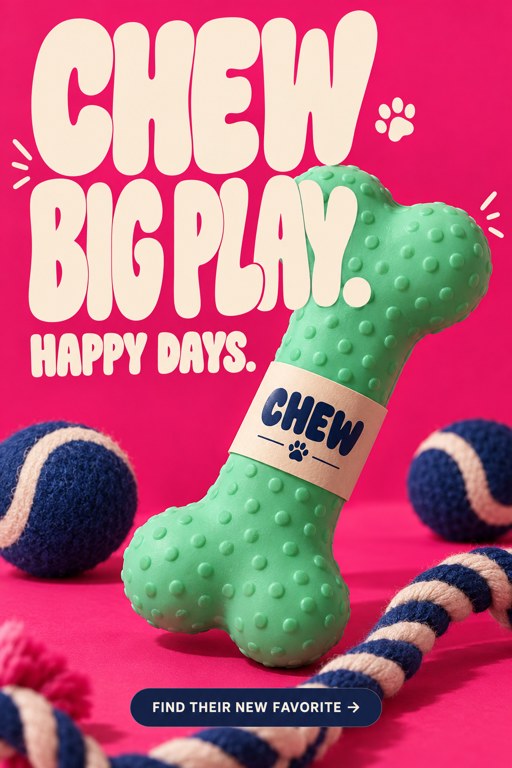 Use template
Organic TypeAds  Use template
Big Friendly TypeAds 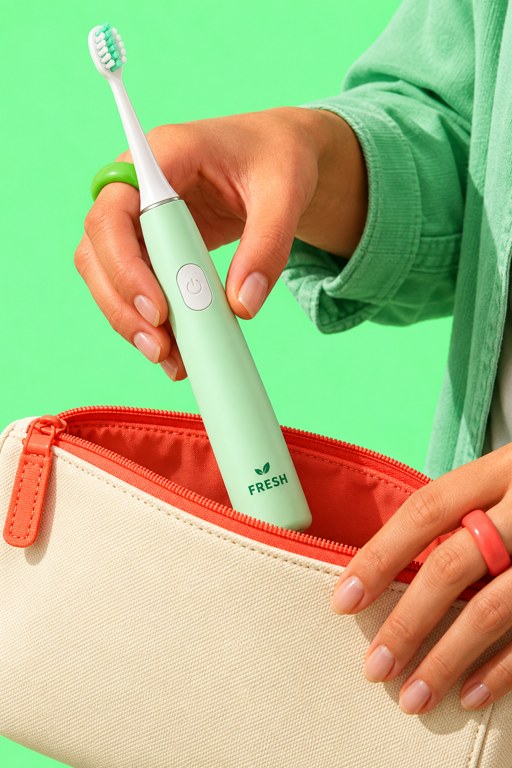 Use template
Travel CompanionProduct Shots 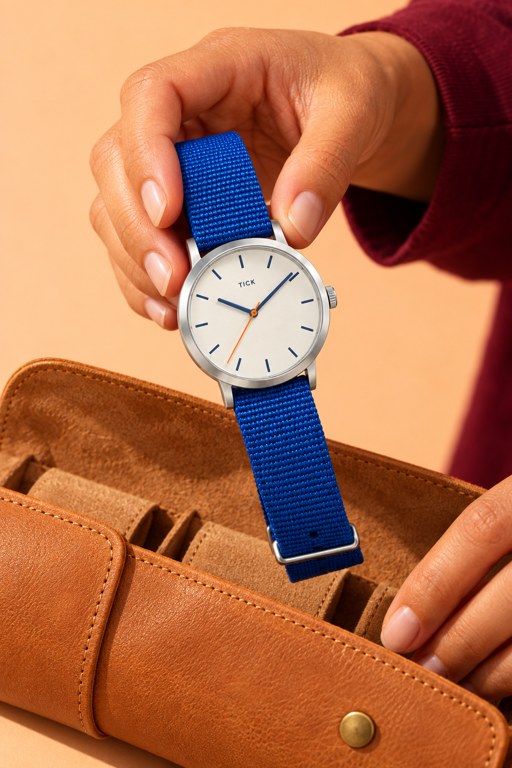 Use template
Ready to GoProduct Shots  Use template
Tall TypeAds 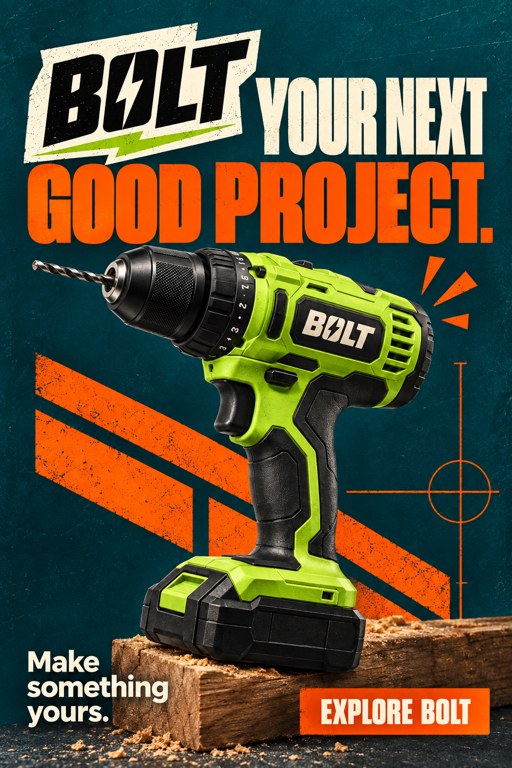 Use template
Power TypeAds  Use template
Color FrameAds 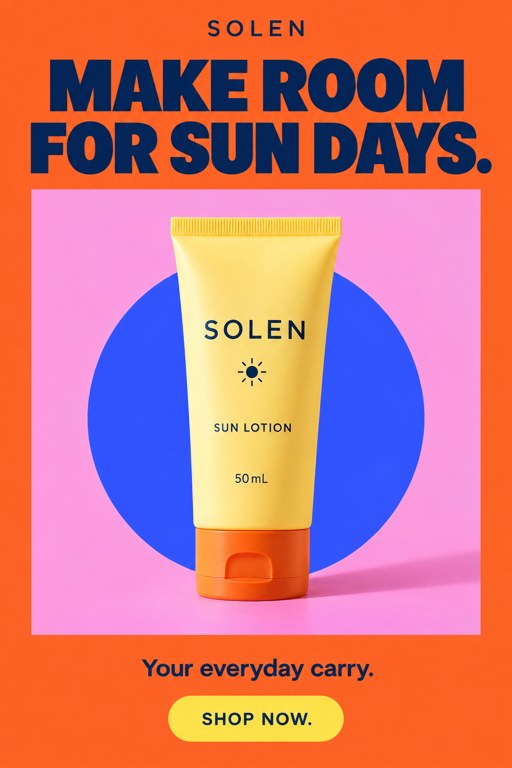 Use template
Summer FrameAds 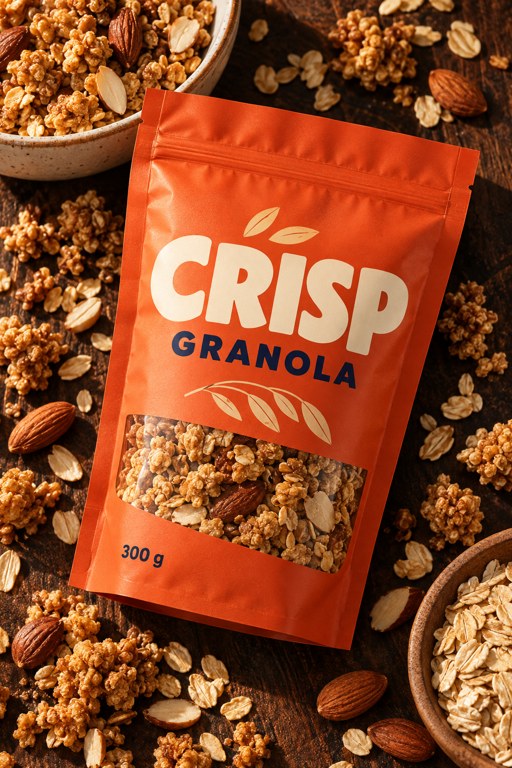 Use template
Rich IngredientsProduct Shots 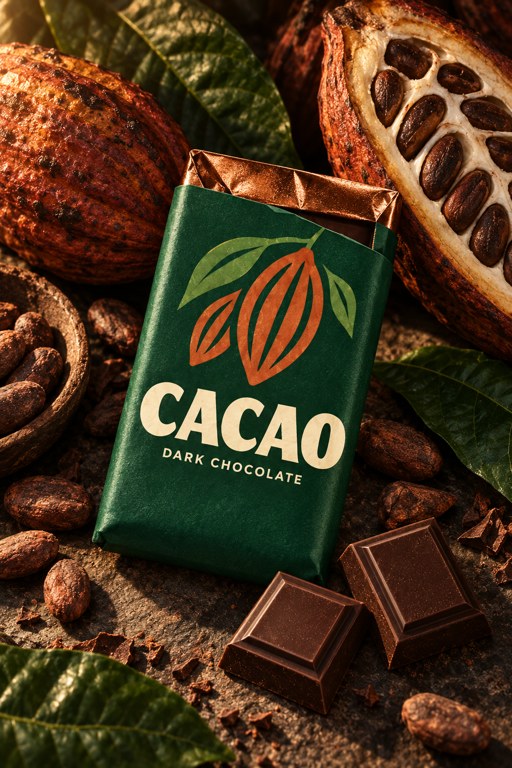 Use template
Dark Still LifeProduct Shots 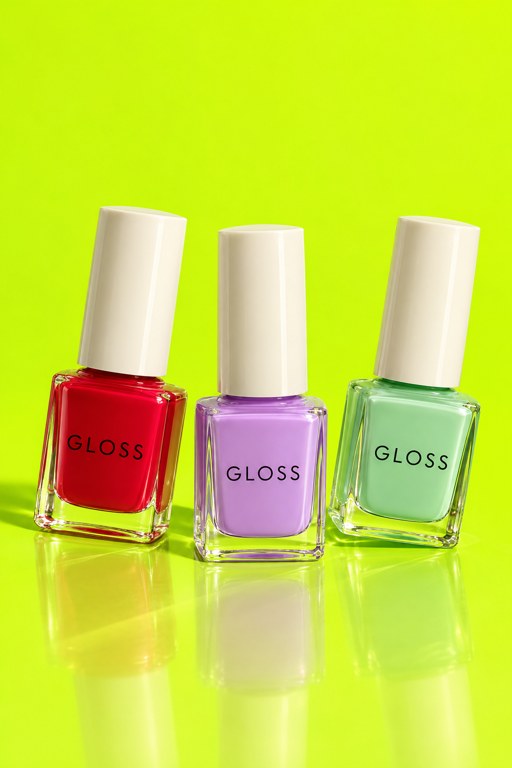 Use template
Color CollectionProduct Shots 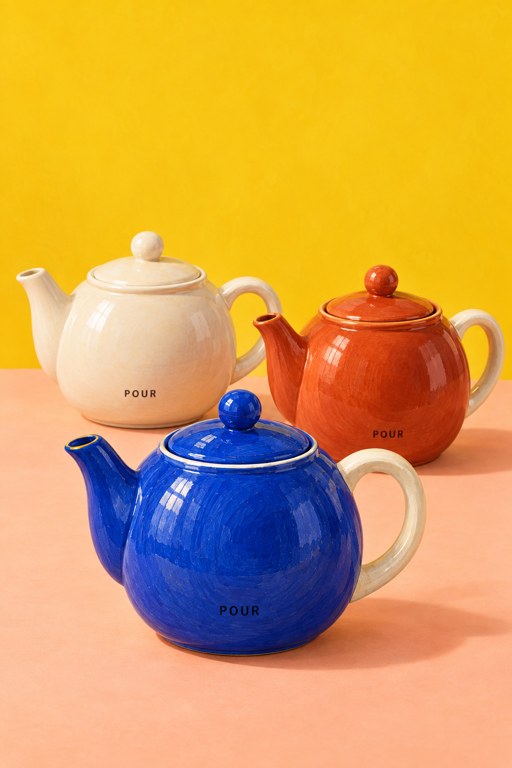 Use template
Ceramic RhythmProduct Shots  Use template
Poolside BlueProduct Shots  Use template
Summer CausticsProduct Shots 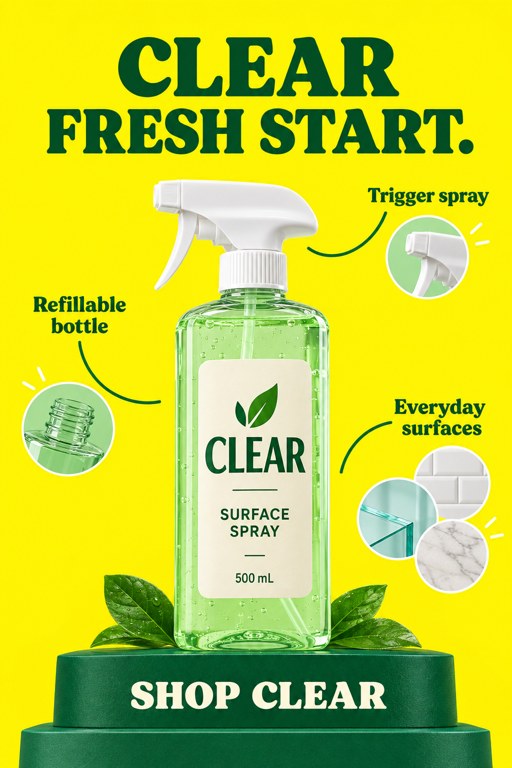 Use template
Three DetailsAds 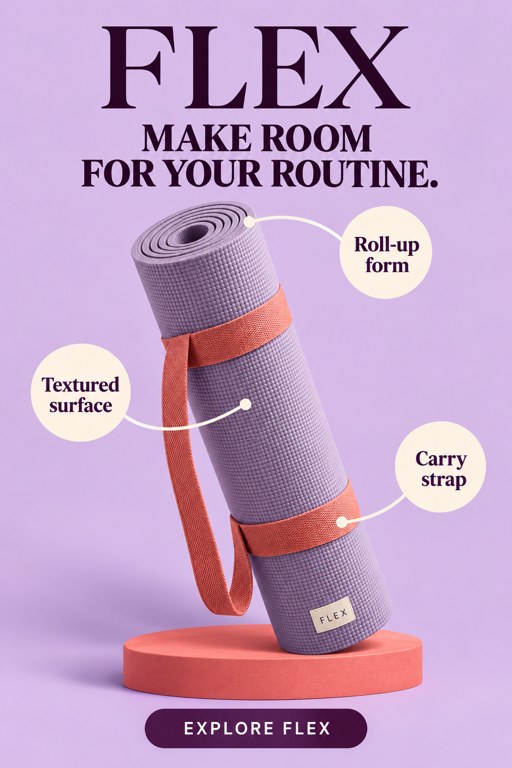 Use template
Three CalloutsAds 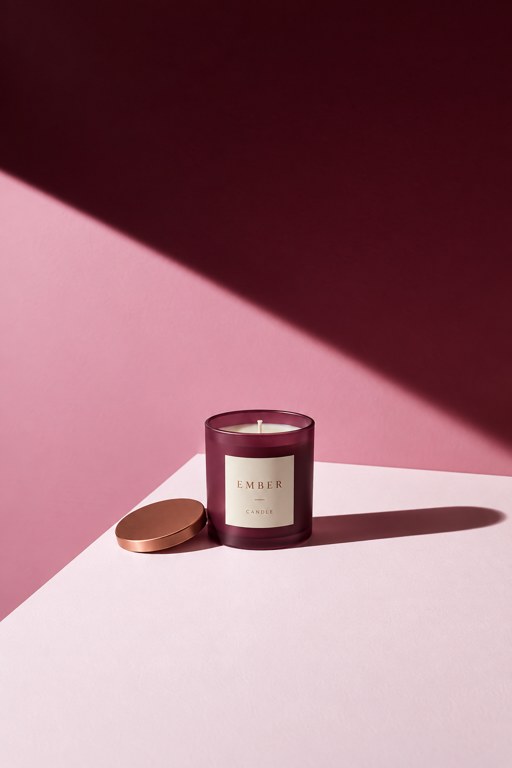 Use template
Long ShadowProduct Shots 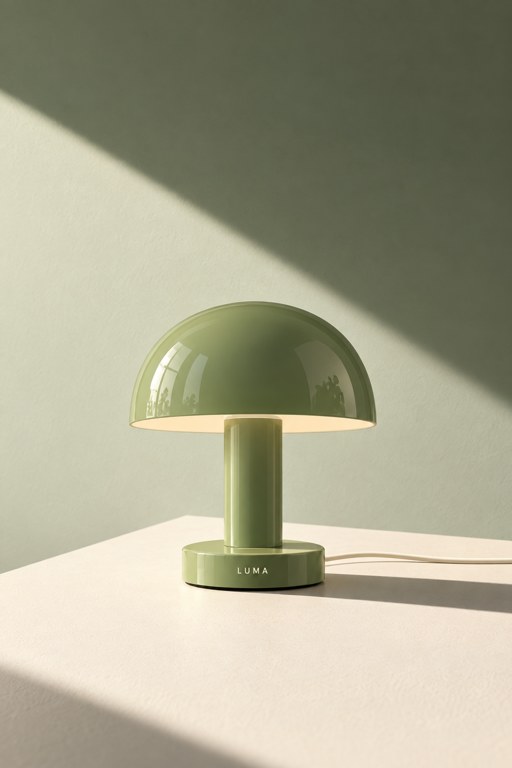 Use template
Quiet LightProduct Shots 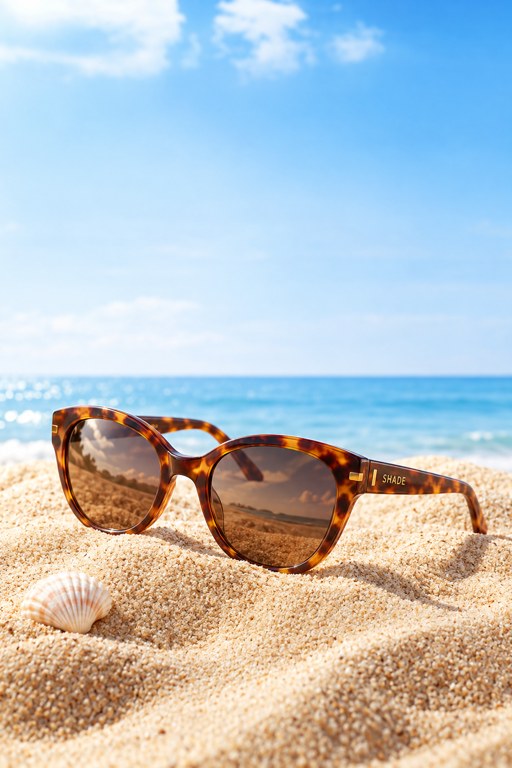 Use template
Coastal MorningProduct Shots 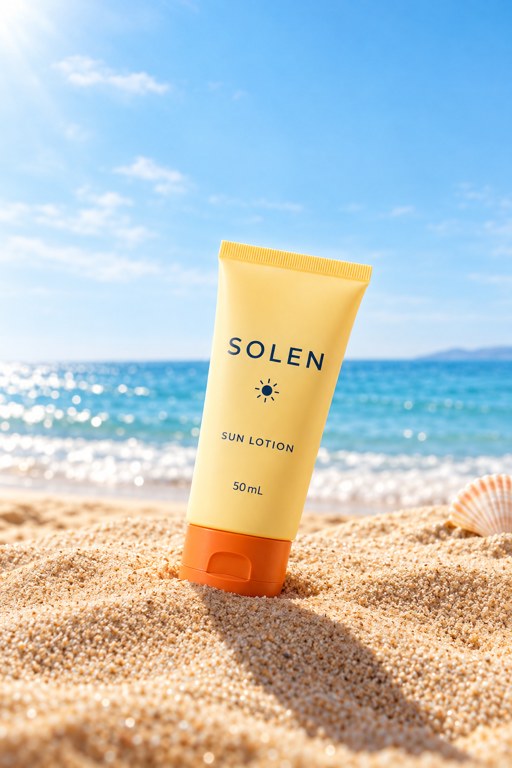 Use template
Beach LightProduct Shots 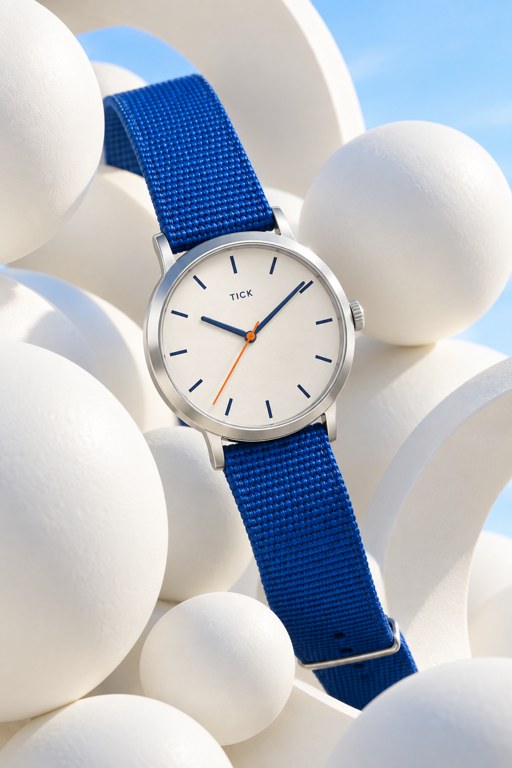 Use template
Ivory SpheresProduct Shots 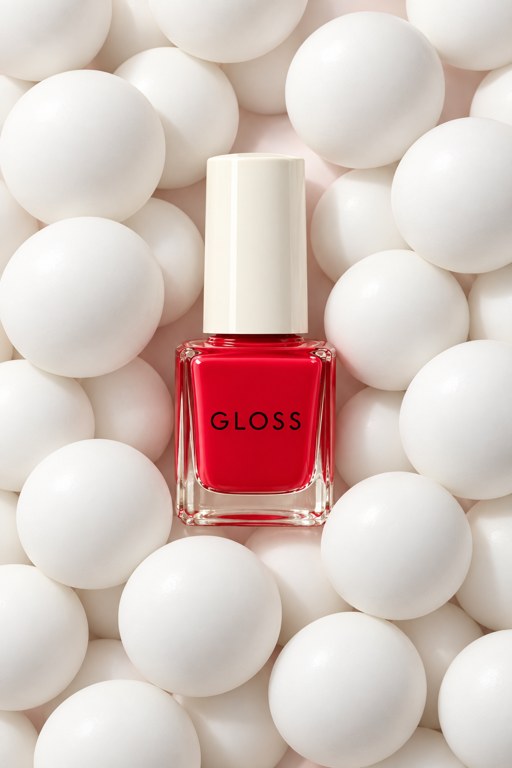 Use template
Soft GeometryProduct Shots 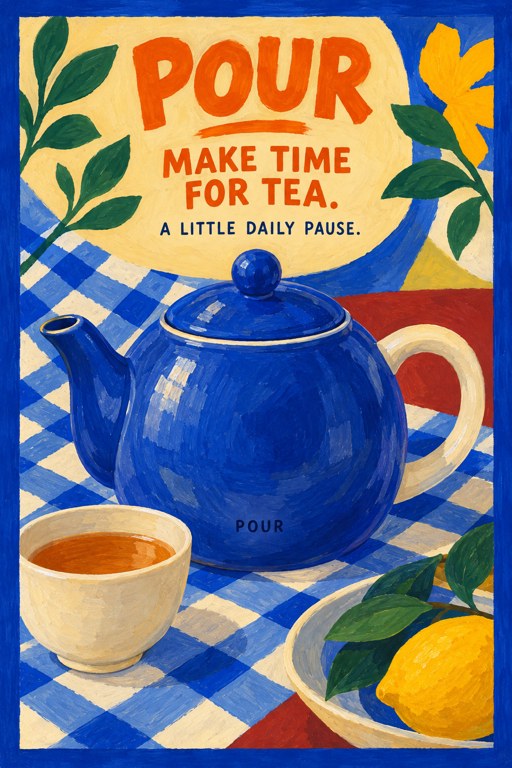 Use template
Gouache PicnicPosters 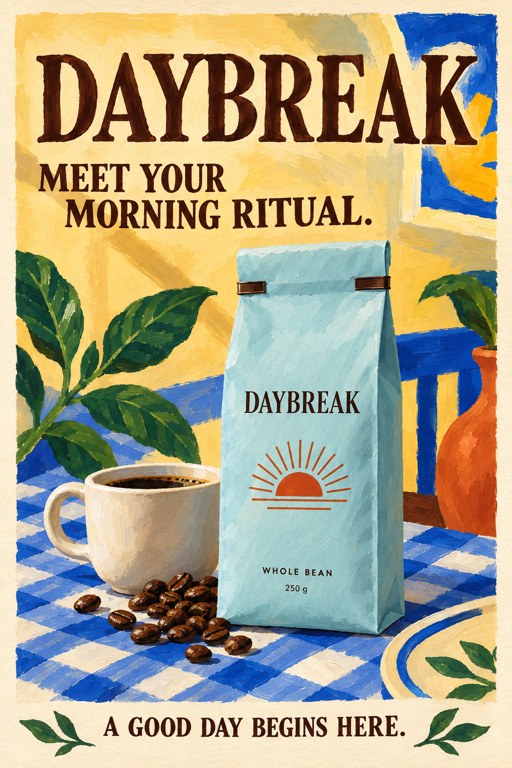 Use template
Painted MorningPosters 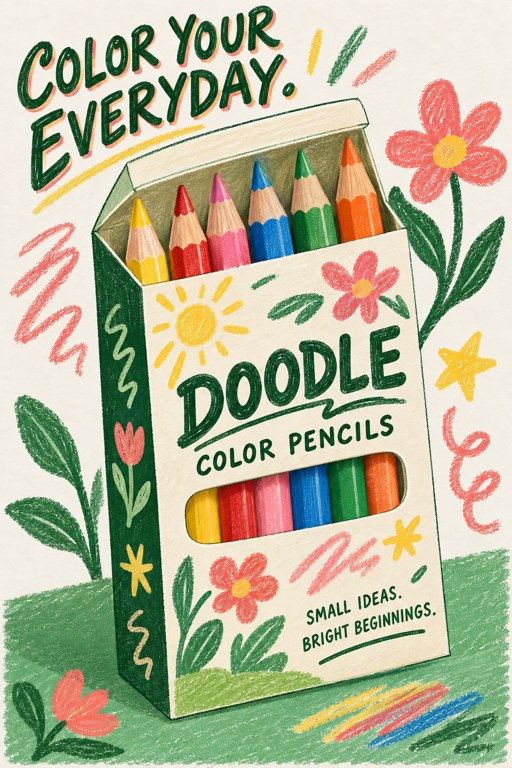 Use template
Pencil PlayPosters 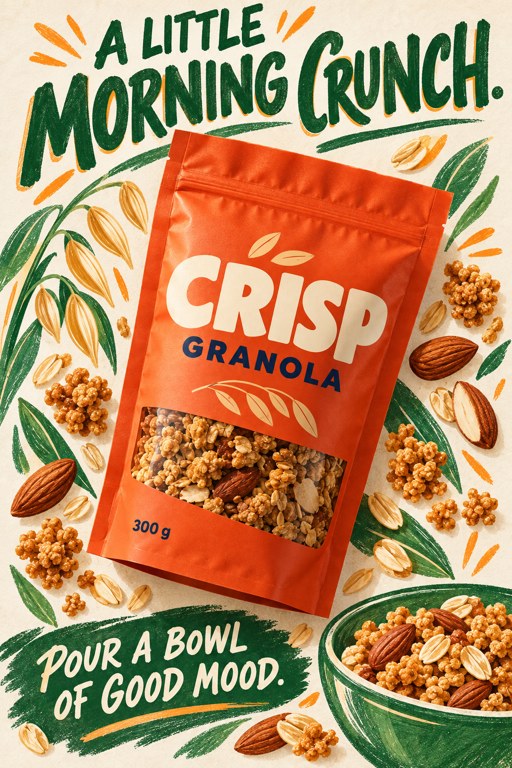 Use template
Handmade PackagingPosters  Use template
Retro BadgePosters 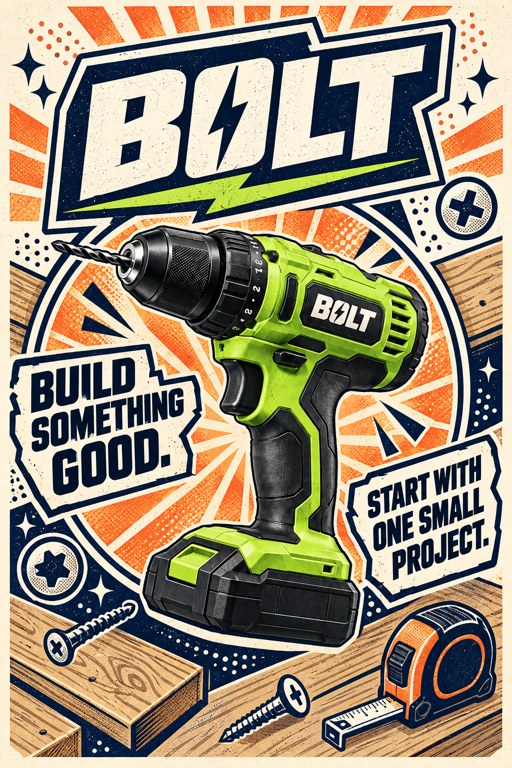 Use template
Workshop BadgePosters 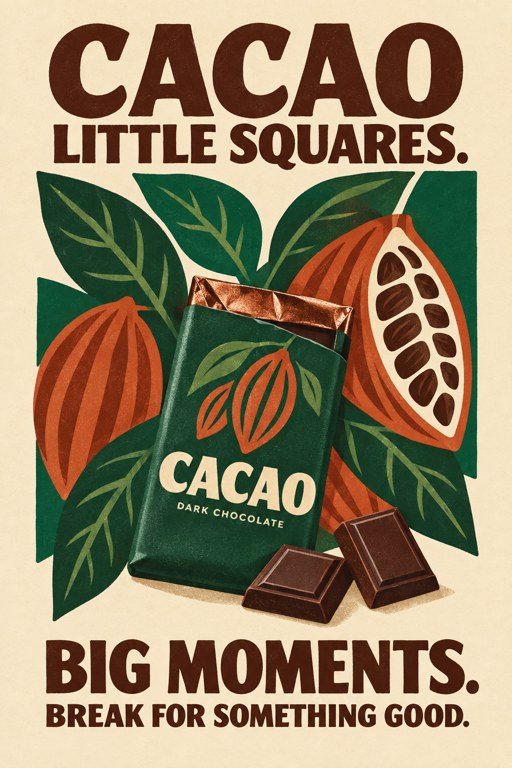 Use template
Botanical PrintPosters 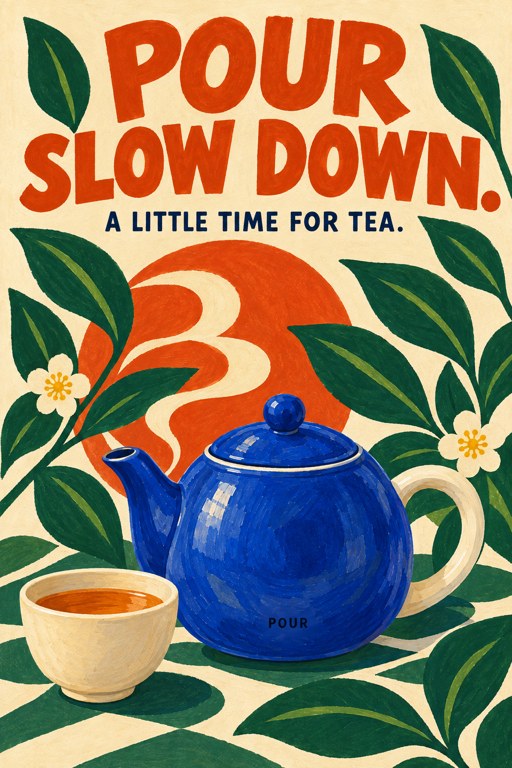 Use template
Garden PrintPosters 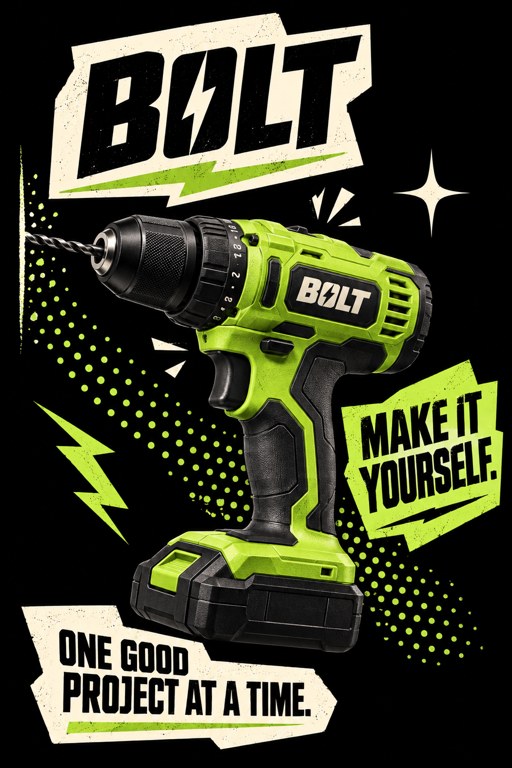 Use template
Cut Paper LabelsPosters 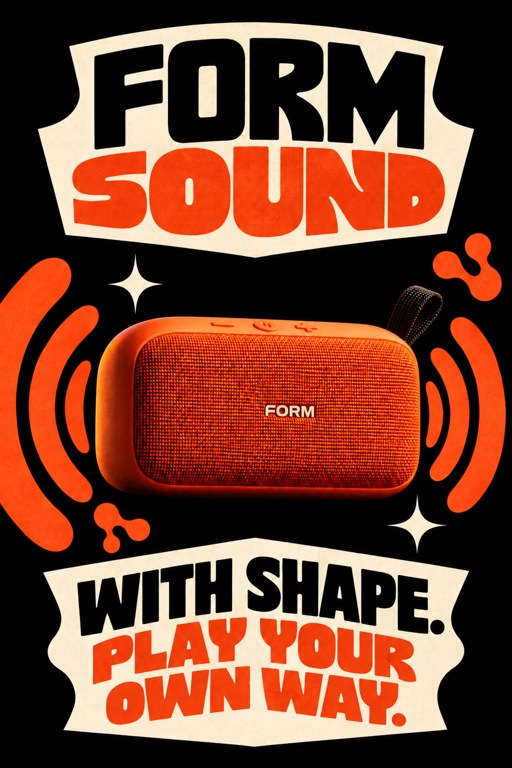 Use template
Sound CollagePosters 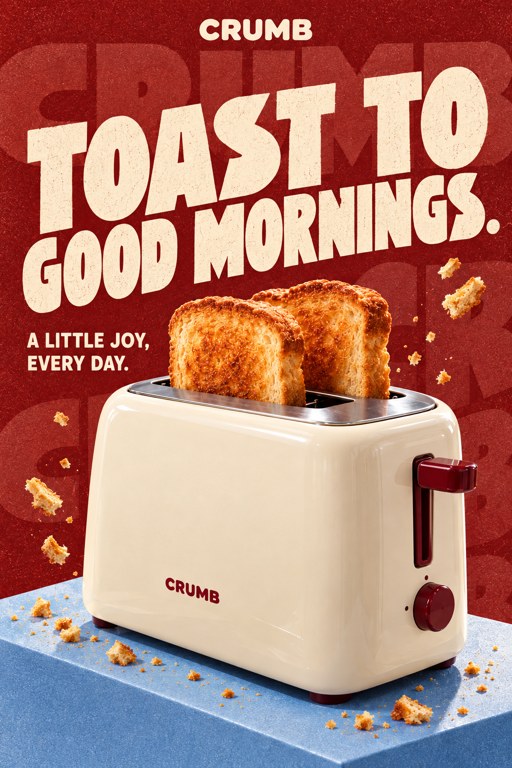 Use template
Burgundy TypePosters 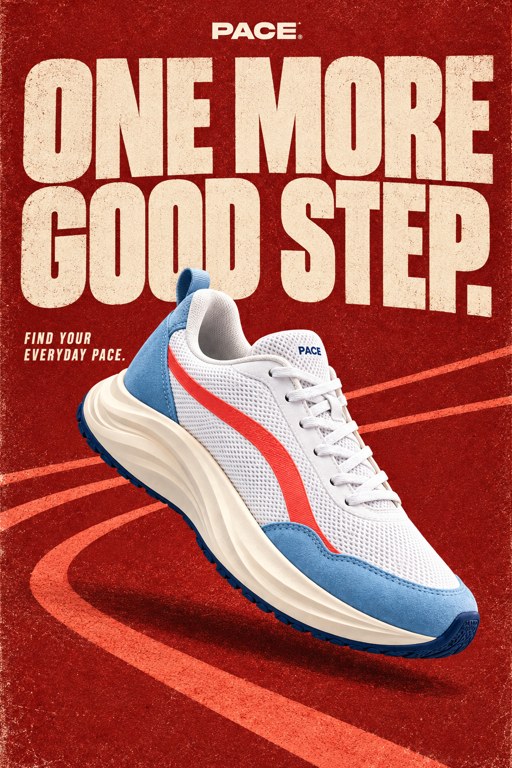 Use template
Vintage MotionPosters 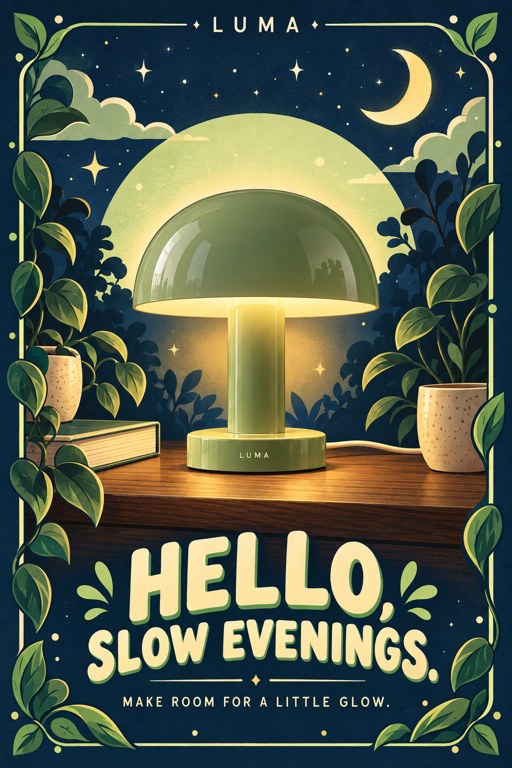 Use template
Night GardenPosters 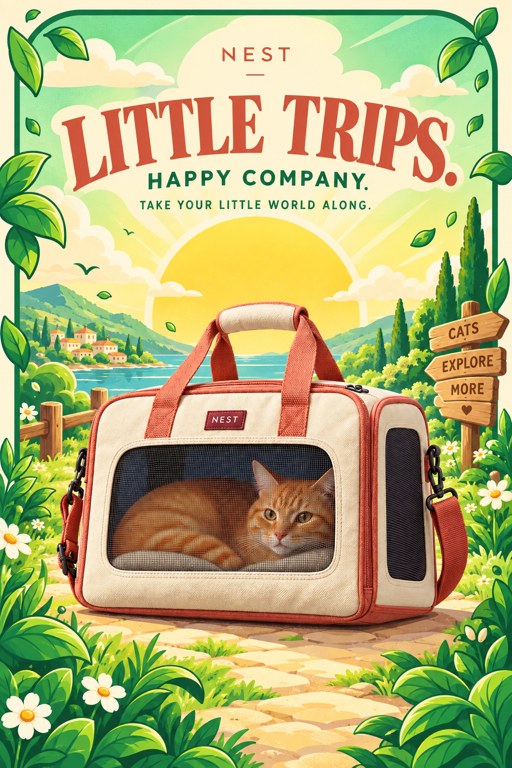 Use template
Illustrated JourneyPosters 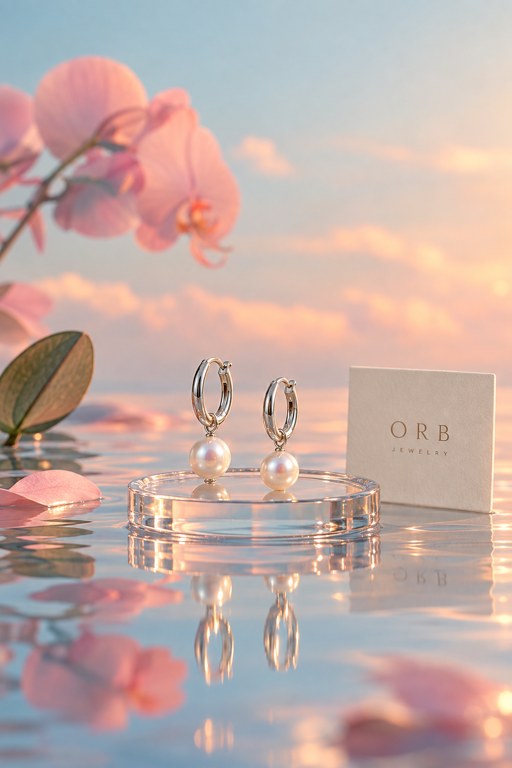 Use template
Pastel ReflectionProduct Shots  Use template
Soft WaterlightProduct Shots 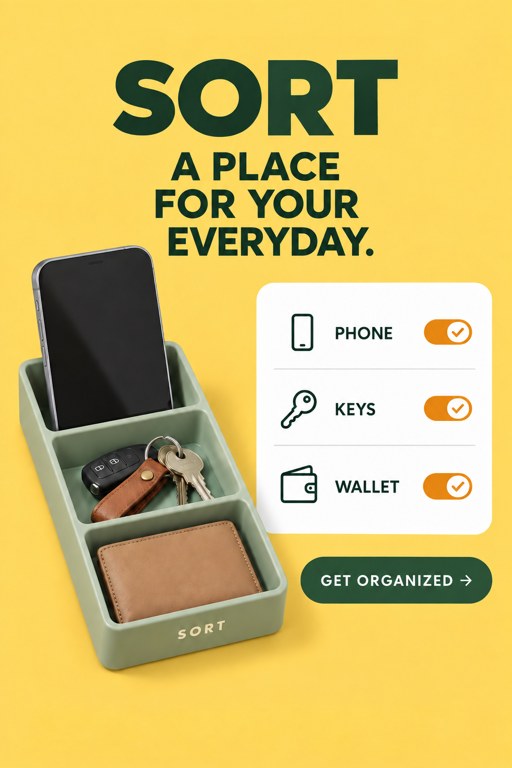 Use template
Bright ChecklistAds 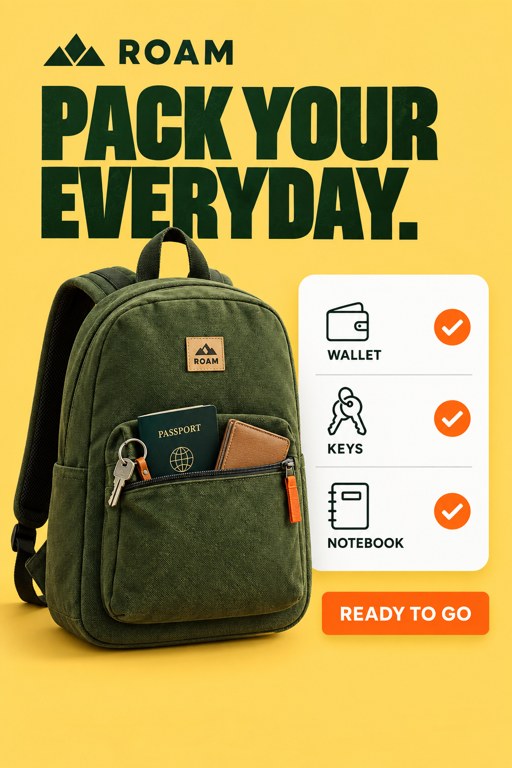 Use template
Everyday ChecklistAds 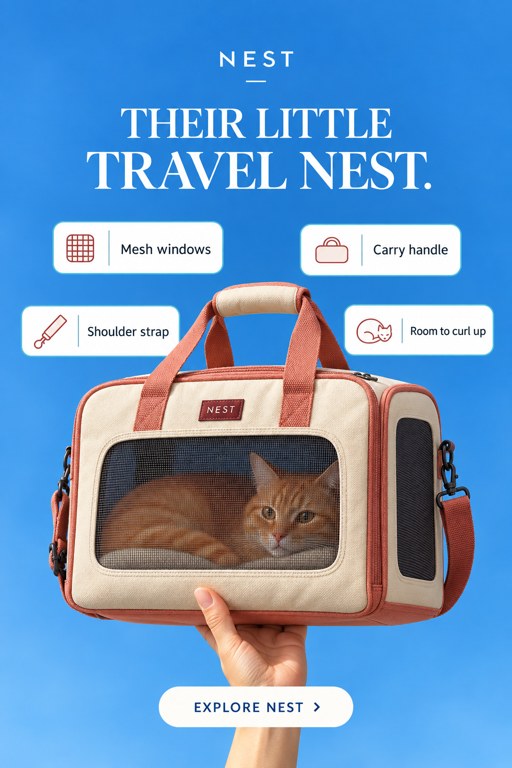 Use template
Floating DetailsAds 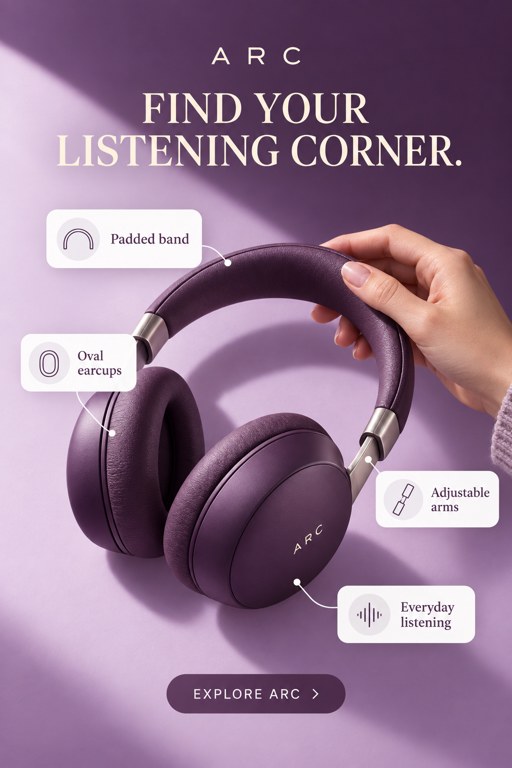 Use template
Serif Detail CardsAds 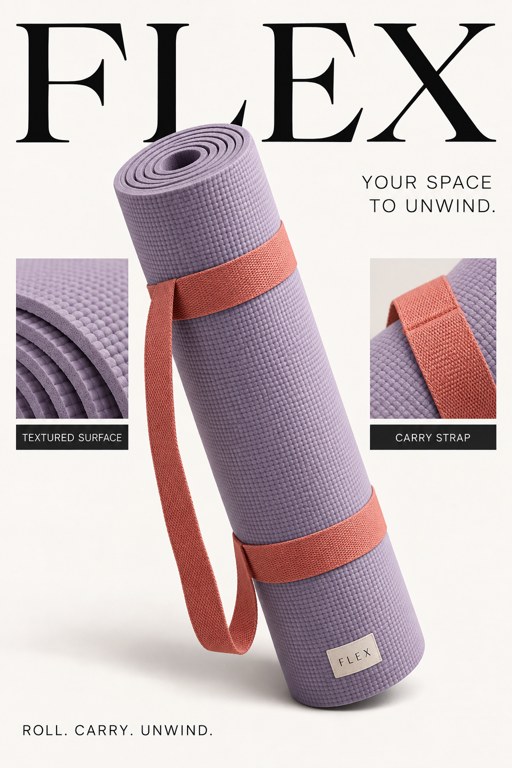 Use template
Editorial AnatomyAds 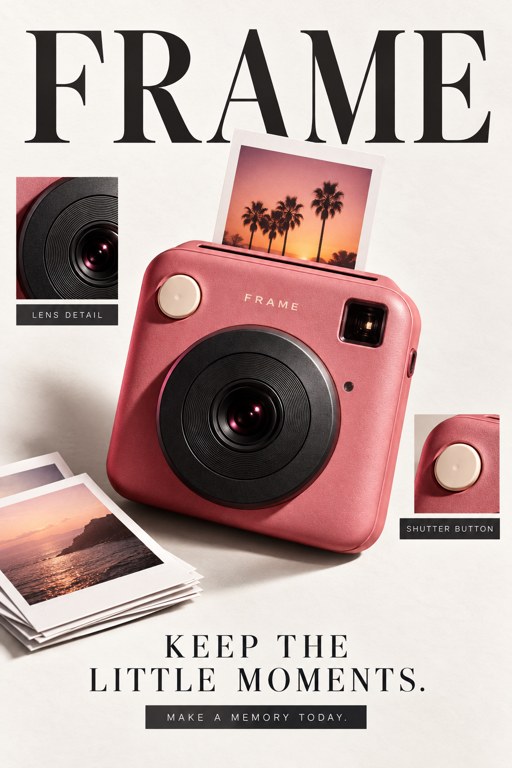 Use template
Editorial CloseupsAds